


Itential Workflow Studio
Orchestrate Workflows Across Tools, Apps, Agents, & Infrastructure
Capabilities
Build Workflows That Orchestrate Operations Across Your Infrastructure
Whether you’re automating daily changes or coordinating complex multi-step processes, Itential’s Workflow Studio lets you build governed workflows that connect IT systems, agents, apps, cloud, and network – enforcing policy and capturing step-by-step proof for audit and rollback.

Unified Orchestration Layer
Connect ITSM, cloud APIs, devices, apps and intelligent agents in one governed flow.

Low-Code Visual Builder
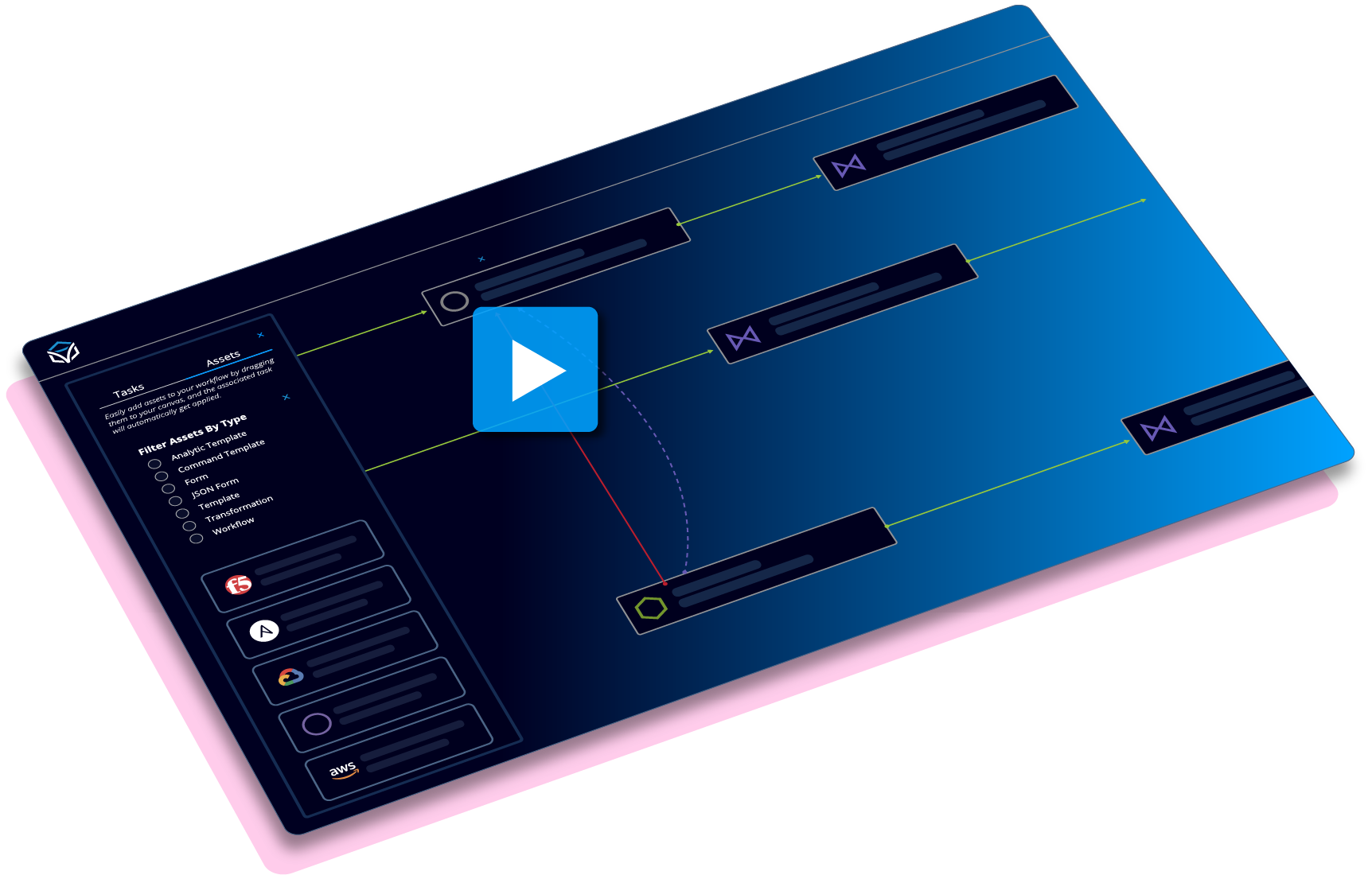
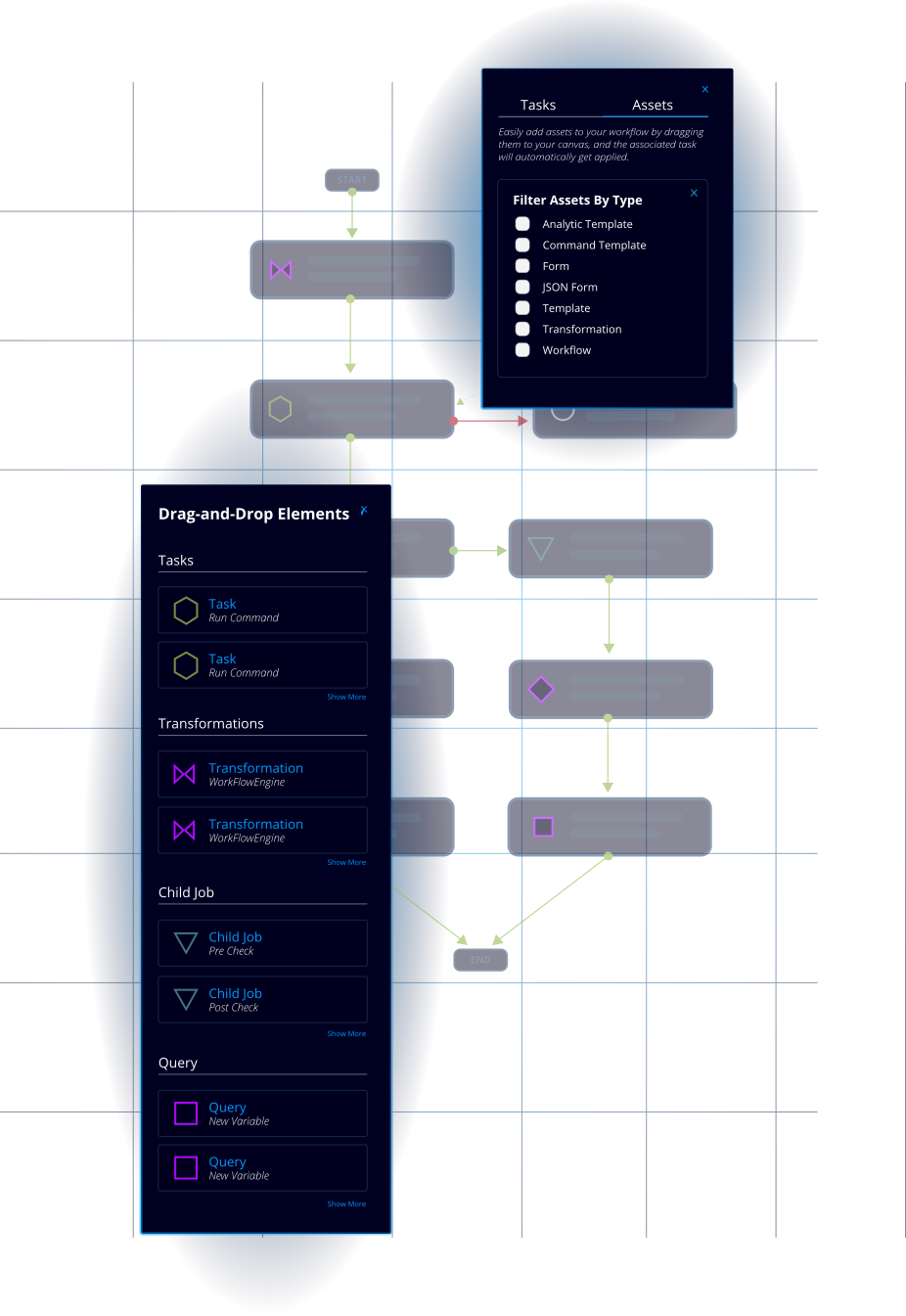
Drag-and-drop to create reusable workflows that span teams, systems and infrastructure.

High-Code When Needed
Extend workflows with Python/Ansible/Terraform and custom integrations, within the same platform.

Agent & App‐Driven Operations
Trigger workflows via apps or AI-agents, with built-in policy checks, validations and full audit trail.
Visual Workflow Studio
Drag-&-Drop Low-Code Canvas to Orchestrate Everything
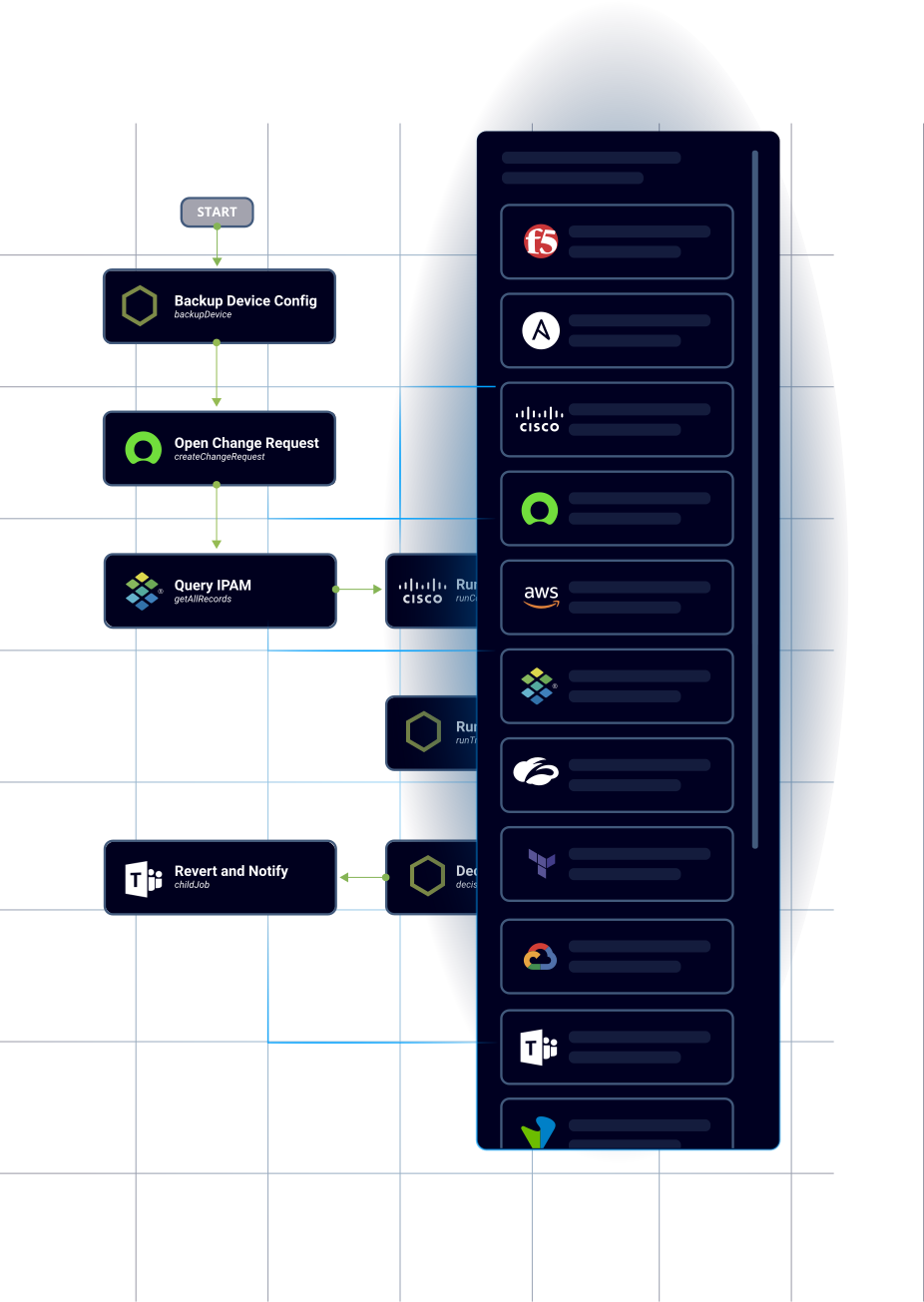
- Build end-to-end workflows with a visual canvas, connecting automation tasks across network, cloud, and service domains
- Full version control, reuse of modules, and instant deployment across environments
- Connect 300+ pre-built integrations and assets from the Itential Marketplace
- Trigger workflows via ITSM tickets, monitoring alerts, CI/CD pipelines, or FlowAI agent
Pre- & Post-Change Intelligence
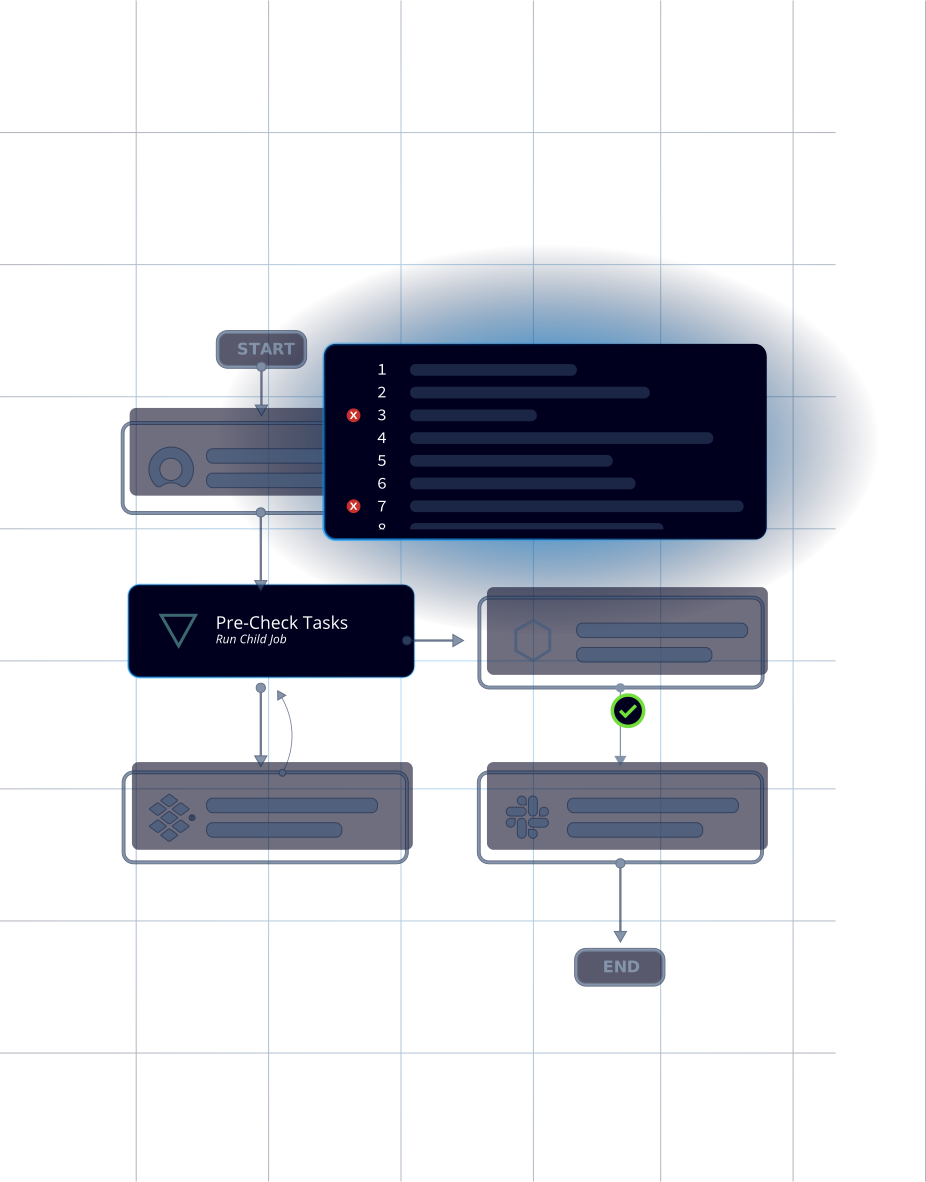
Embed Validation, Checks & Rollback for Every Workflow
- Integrate pre-checks and post-checks into workflows to validate state before/after each change
- Built-in rollback capabilities ensure safe execution and faster recovery from failed steps
- Multi-step checks automatically verify infrastructure state and compliance
- Event-driven triggers respond to telemetry, observability alerts, and AI agent detections in real-time
Multi-System Orchestration
One Workflow from Ticket to Outcome
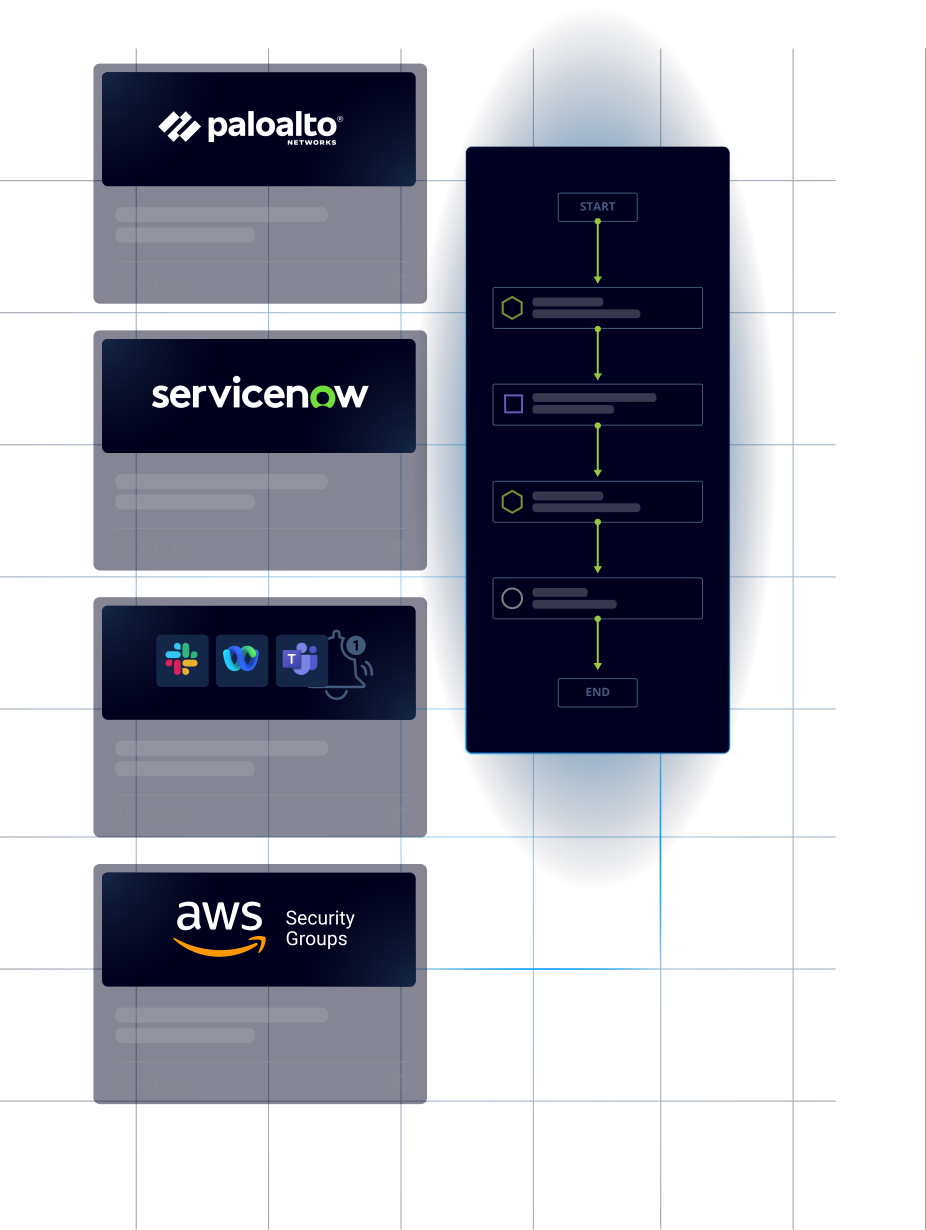
- Coordinate ITSM, IaC (Terraform/Ansible/Python), cloud APIs, and device CLI actions in the same flow
- Use checkpoints and quality gates to make complex changes predictable
- Capture logs, diffs, timestamps, and approvers in one place
- Integrate with CI/CD pipelines, source control systems, and DevOps tools
Reusable Assets & Templates
Build Your Modular Workflow Library
- Access 300+ pre-built integrations, workflows, transformations, and templates from Itential Marketplace
- Create reusable templates with TextFSM and Jinja2 for parsing structured and unstructured data
- Share and organize assets across teams with Projects – a centralized hub with version control
- Manage folders, hierarchy, and access permissions for collaborative automation at scale
Self-Service Publishing
Securely Publish & Share Workflows
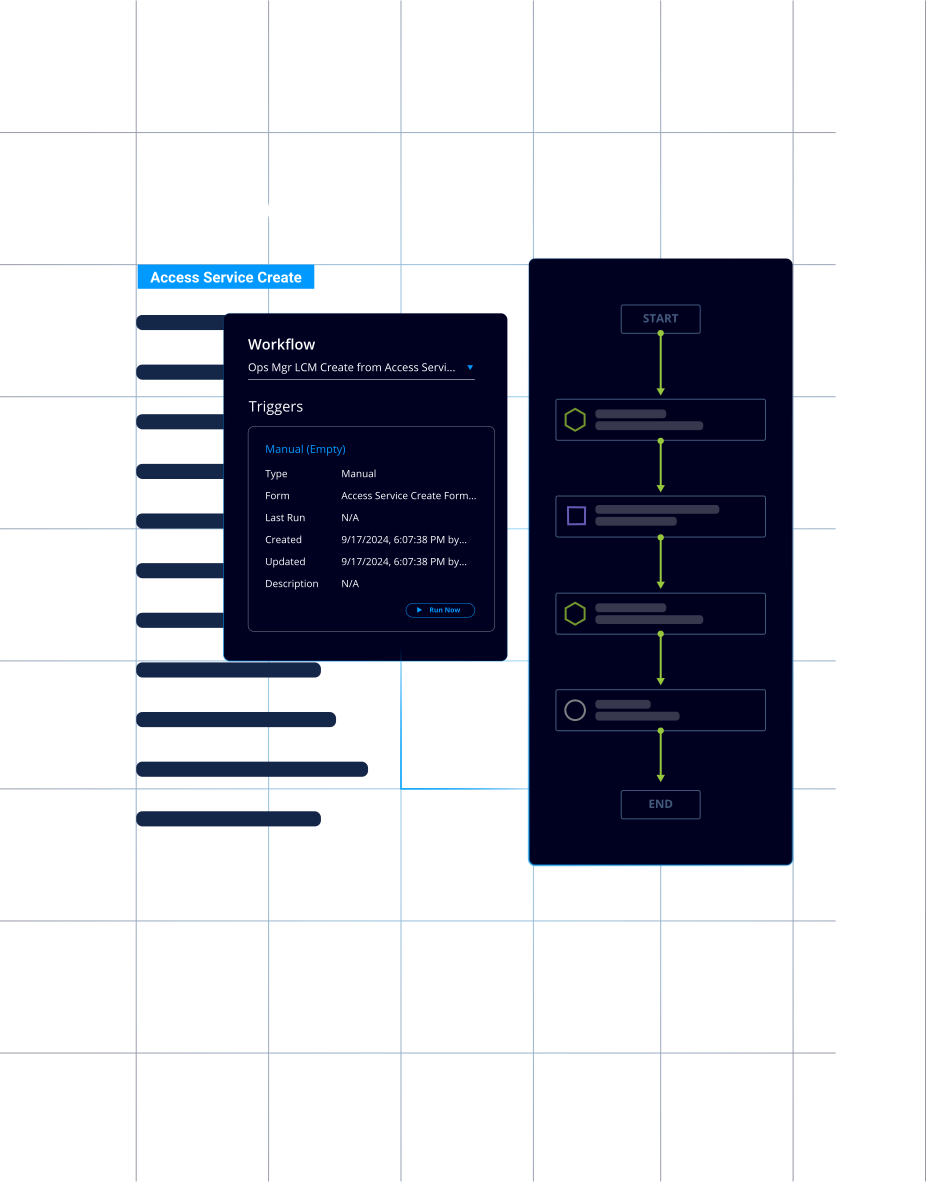
- Publish workflows to self-service catalogs in Operations Manager or ServiceNow
- Schedule workflows to run at specific intervals or trigger via API endpoints
- Integrate workflows into processes like CI/CD pipelines and ITSM platforms
- Role-based access ensures only authorized users can execute specific workflows
Enterprise Governance
Policy, Approvals & Audit by Default
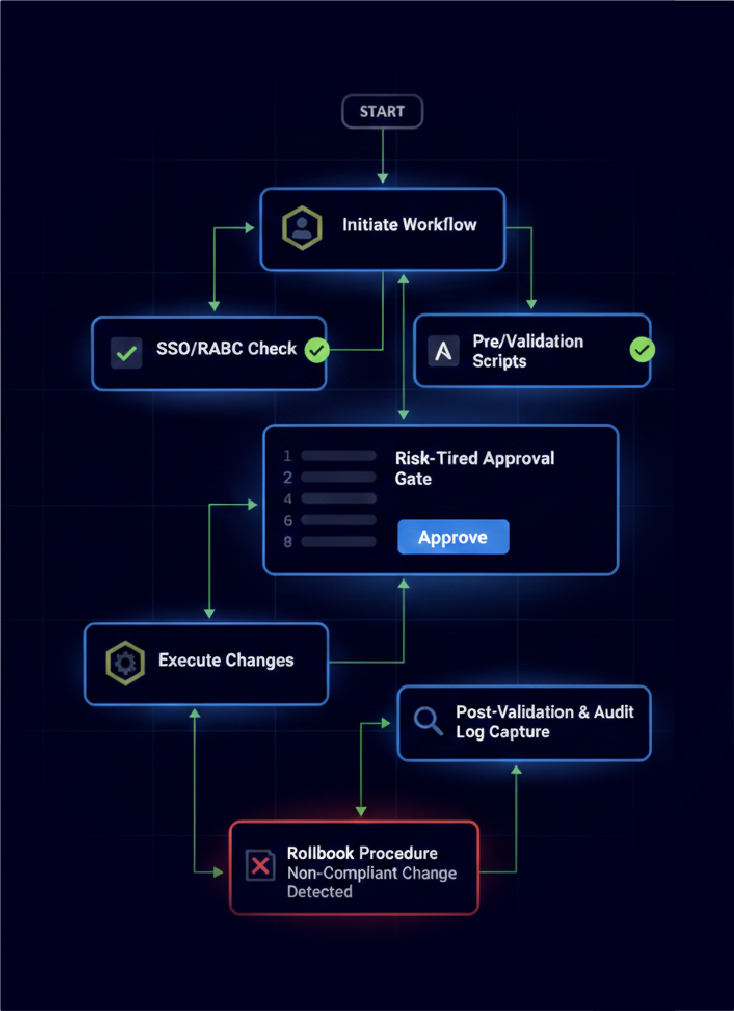
- Enforce SSO/RBAC, risk-tiered approvals, and pre/post validation on every workflow execution
- Capture complete audit trails with who/what/when details for compliance and rollback
- Build guardrails that prevent non-compliant changes from reaching production
- Maintain blast-radius limits and approval gates for safe change execution
FlowAI
Agentic Workflows That Think, Plan, & Execute
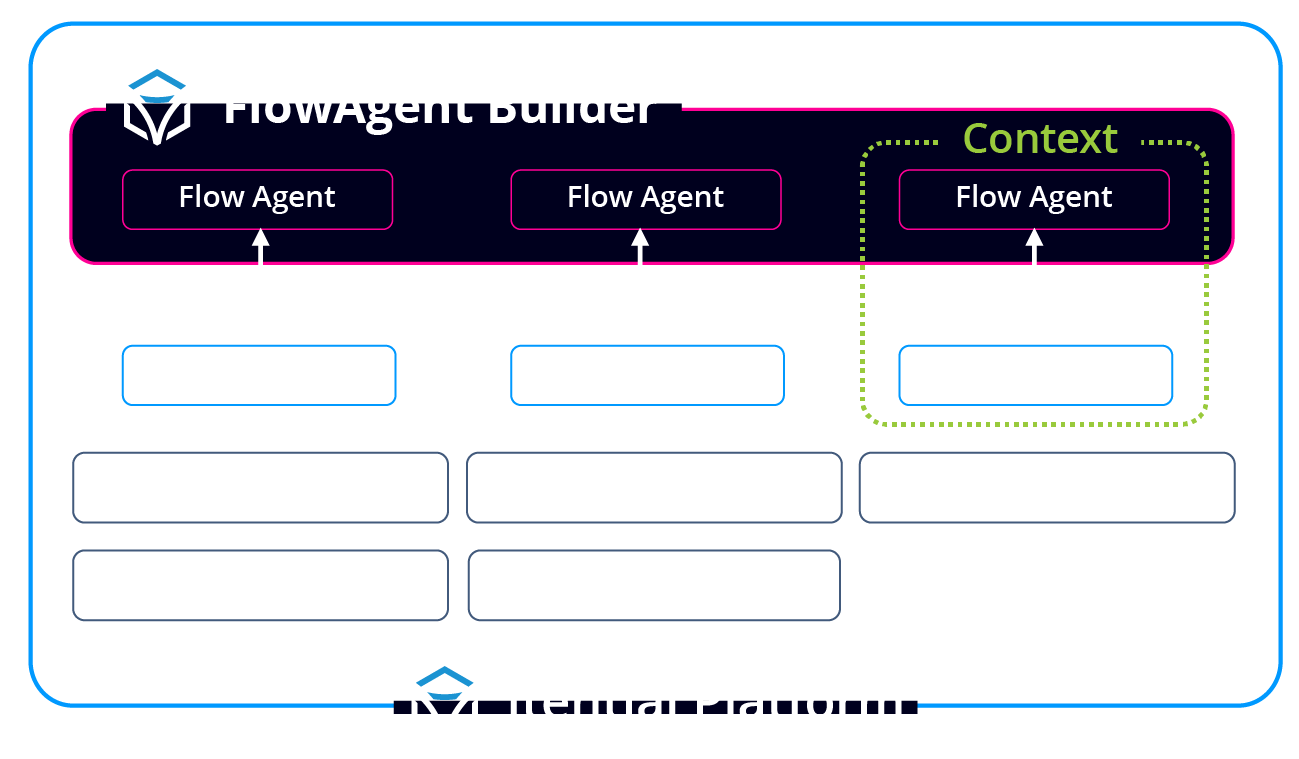
Itential Workflow Studio serves as the orchestration engine where FlowAI agents trigger, build, and execute workflows with full governance. Through Itential’s Model Context Protocol (MCP), FlowAI agents can initiate workflows, reason through multi-step processes, and embed intelligence mid-execution – all while workflows enforces policy, validation, and auditability.
- FlowAI Agents Trigger Workflows
Agents can initiate workflows based on natural language prompts, AIOps detections, or autonomous reasoning – with every request passing through Design Studio’s approval gates and policy enforcement. - AI-Powered Workflow Suggestions
FlowAI agents can auto-recommend next steps on the canvas based on past workflow patterns, event triggers, and infrastructure context. - Mid-Workflow Intelligence
Embed FlowAI agents as steps within workflows for log analysis, config generation, anomaly detection, or decision support – combining deterministic automation with AI reasoning. - AI-Driven Anomaly Detection
FlowAI agents flag unexpected results or drift during workflow execution and automatically route remediation tasks through governed workflows. - Agentic Workflow Building
FlowAI agents can autonomously build workflows through native integrations, delivering simplicity that surpasses even AI-native workflow platforms – while maintaining full governance.
Unified Execution Environment
One Platform. Many Teams. Centralized Execution
Itential enables engineering, operations, security, and platform teams to execute automations from a centralized, governed infrastructure – aligned to your policies and ready for AI.
Security & Compliance
Build workflows with policy checks, approvals, and audit history by default. Validate before/after changes and produce evidence on demand across hybrid estates.

Engineering & Operations
Design and execute end-to-end workflows with reusable assets and governed actions. Eliminate hand-offs, reduce rework, and roll back safely when conditions change.

Platform & AI Teams
Expose workflows as APIs to pipelines and FlowAI agents – so intelligence triggers only guarded, traceable operations with full policy enforcement.

IT Leaders & Architects
Standardize how workflows are built and executed across domains. Get program-level visibility and consistent proof of outcomes at enterprise scale.

Frequently Asked Questions
What is the Itential Workflow Studio?
A low-code visual canvas for building orchestration workflows that coordinate changes across network, cloud, security, and IT systems – with built-in governance, validation, and rollback.
How is Workflow Studio different from running Ansible or Terraform directly?
Design Studio orchestrates Ansible, Terraform, Python scripts, and APIs together in one governed workflow. You get pre/post validation, approval gates, cross-system coordination, and full audit trails that standalone IaC tools don’t provide.
How is this different from ServiceNow workflows?
ServiceNow manages tickets, approvals, and process flows. Workflow Studio executes the actual infrastructure changes – pushing configs, provisioning resources, updating devices – with technical validation and compliance evidence. They work together: ServiceNow handles the “what and why,” Design Studio handles the “how.”
Can I use existing automations, or do I have to rebuild everything?
You can reuse existing Ansible playbooks, Terraform plans, Python scripts, and API calls inside Studio’s workflows. No need to rebuild, just orchestrate what you already have.
What happens if a workflow fails mid-execution?
Workflow Studio includes built-in rollback capabilities, error handling, and recovery procedures. You can configure checkpoints, automatic rollback on failure, or manual intervention points.
How do FlowAI agents interact with workflows?
FlowAI agents can trigger workflows via natural language or autonomous reasoning, suggest next workflow steps, embed mid-workflow for log analysis or config generation, and detect anomalies – all while Workflow Studio maintains governance and audit trails.
Can workflows span multiple domains like network, cloud, and security?
Yes. Workflow Studio is built for cross-domain orchestration. One workflow can update firewall rules, provision cloud resources, configure network devices, and update ITSM tickets – all with validation at each step.
How do teams collaborate on building workflows?
Projects provide a centralized hub where teams can share workflows, templates, and integrations with version control, folder hierarchies, and role-based permissions for collaborative automation at scale.



Learn More with Itential Content



- More Impact, Same Effort: Orchestrating Your Automations
- Taking Action with ServiceNow: Cloud-Like Delivery of IT Infrastructure Services
- From Vibe-Coding Automation Scripts to Self-Service: Turning Code Into Products
- From Scripts to Systems: Why Orchestration is the Missing Link in AI Adoption
- Practitioner’s Take: When Automation Becomes the Bottleneck
- From Scripting to Reasoning: The Future of Network Automation with MCP & Agentic AI
- How to Sell the Value of a Platform Approach for Scaling Network Automation
- Itential MCP Demo | Trigger Network Automation with a Simple Ask
- Building Network Automations: Introduction to Itential’s New Workflow Canvas
- How Colt is Accelerating Global Network Innovation with Itential
- How to Publish & Expose Network Automations as a Service with Itential
- Automating Data Gathering Processes from CLI & API Sources as Part of an Itential Workflow
- Automation at Scale: Build a Framework for Collaboration & Contribution, Not Constraint
- From Scripts to Platforms: What’s Really Holding Back Network Automation?