Inside Service Requests
Find the Service You Need
The overview brings recent requests and frequently or recently requested services into reach. Browse Services provides the full catalog available to you, with search, sorting, and a choice of cards or a table.
Access follows the permissions your administrators already manage. Opening Service Requests requires its new access permission. Seeing and running an individual service requires execute permission on its trigger.
Run It Now or Make It Recurring
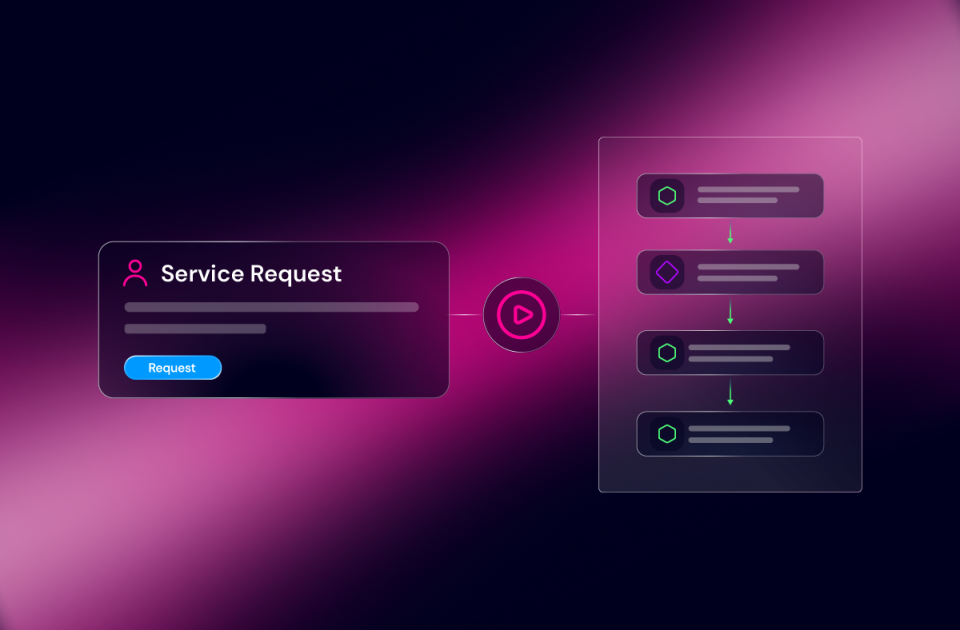
Open a service and its form gets the full page, including the space longer forms need. Fill in the details and run it now, or choose a recurring schedule.
That might be a report every weekday morning or a check on the first of each month. Engineers who prefer a cron expression can use one. A new schedule waits until its first scheduled time before running.
See What You Asked For & What Came Back
All Requests keeps a record of requests and their status, when they were last updated, the inputs submitted, and the output. Each scheduled run appears there too.
Run a previous request again and its original inputs are already filled in. For back-to-back submissions, Request and Fill Again starts a new request but keeps you in the input form, so you can immediately set values for your next request of the same service.
Keep Recurring Work Manageable
Scheduled Requests shows recurrence, last run, and next run, with controls to pause, resume, edit, or delete a schedule.
Schedules keep running when their creator leaves the team. People with access to the service can see and manage its schedules, so recurring work does not become unreachable when one person moves on.
One Request From Start to Finish
Here is how the pieces fit together. An automation engineer builds a VLAN provisioning workflow in Studio, with a manual trigger and an approval step before the network change.
A service desk analyst opens Service Requests, finds the VLAN service, enters the site and VLAN ID, and submits. The analyst can follow its progress there.
When the workflow reaches the approval step, the task appears in a network engineer’s Work Center queue. The engineer reviews the context and approves it. Execution continues, and the analyst sees the completed request and its output in Service Requests.
If a device rejects the change, an administrator opens the workflow job in Operations Manager to identify the failed task and take the appropriate recovery action. For a FlowAgent, the deeper execution view is Agent Sessions.
Each person has a place to do their part:
| Job | Experience | Purpose |
| Build | Studio and FlowAgent Builder | Design workflows and FlowAgents |
| Request | Service Requests | Start automation and track the result |
| Review or approve | Work Center | Act when automation pauses for a person |
| Investigate workflows | Operations Manager | Inspect jobs and handle failures |
| Investigate agents | Agent Sessions | Inspect and manage agent execution |
One engineer might do several of these jobs in a small team. The distinction is still useful. They can open the request form when they need to run a service and the execution detail when they need to troubleshoot it.
Work Center remains the place to act on a pending human task. In this first release, Service Requests provides request status rather than embedding that task in the request view. Operations Manager also retains its existing capabilities, including the ability to start automation there.
Use What You Have Already Built
Every existing manual trigger is already a service. There is no separate catalog publishing process and no need to rebuild the automation to make it requestable. Administrators grant access through the Service Requests permission and existing trigger permissions.
For customers maintaining a custom request front end, that creates an option to use an experience maintained as part of the platform.


 Build Build agents & workflows visually, with AI, or bring your own.
 Integrate Connect every system, tool, agent, & AI in your stack.
 Execute Execution for agentic & deterministic operations.
 Secure & Govern Govern every action with built-in RBAC, audit & approval gates.
 Operate Self-service operations & real-time visibility.











 Agentic Operations Connect AI to infrastructure for trusted, automated actions.
 AI Vulnerability Response Discover & remediate critical vulnerabilities at machine speed.
 Infrastructure Modernization Transform legacy networks into modern, AI-ready infrastructure.
 Infrastructure as a Product Deliver network and infrastructure services on demand - self service, governed, & consumed like cloud.
 Hybrid & Multi-Cloud Orchestration Unify hybrid & multi-cloud infrastructure through agentic orchestration.
 Unified Change Management Unify network & infrastructure changes across every team, tool, & domain.