Accelerate network and infrastructure automation with a headless way to build, operate, and administer Itential.
Open-source AI Skills brings platform expertise into Claude Code, Codex, GitHub Copilot, and Cursor, helping teams create Itential assets such aworkflows and FlowAgents, investigate failed jobs, and manage their environment through plain-language requests.
Move from requirements to tested workflows and agents with a spec-driven process that preserves the documentation needed for future changes.
Investigate failed jobs, manage schedules and approvals, and administer platform resources through plain-language requests.
Help more team members contribute with Itential-specific guidance inside the AI coding tools they already use.
Describe what you need in plain language – build a workflow or FlowAgent, investigate a failed job, or configure platform access. Itential AI Skills supplies the platform-specific knowledge and procedures to carry out the task through Itential’s APIs.
Your team brings the infrastructure expertise. The skills handle more of the platform mechanics, helping new users get started and experienced engineers move faster without learning every API call or navigating multiple application interfaces.
Turn a use case into an approved spec, assess feasibility, design and build the solution, then test and document what was delivered.
Build workflows, forms, templates, configuration assets, Lifecycle Manager resources, Gateway services, and FlowAgents.
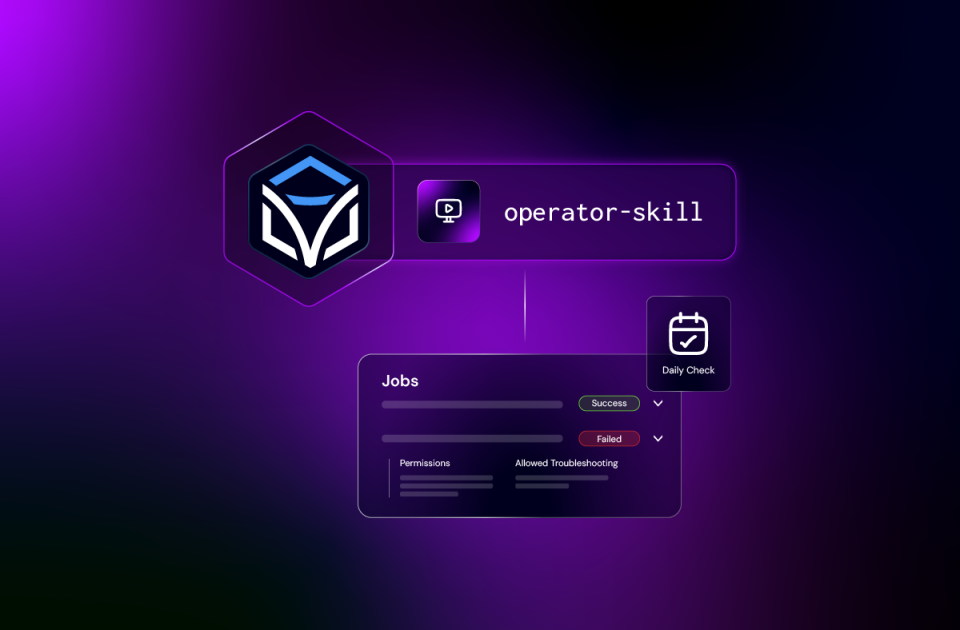
Find and run existing automations, supply the required inputs, and monitor job results.
Investigate failed tasks, retry where appropriate, handle waiting manual tasks, and manage automation triggers.
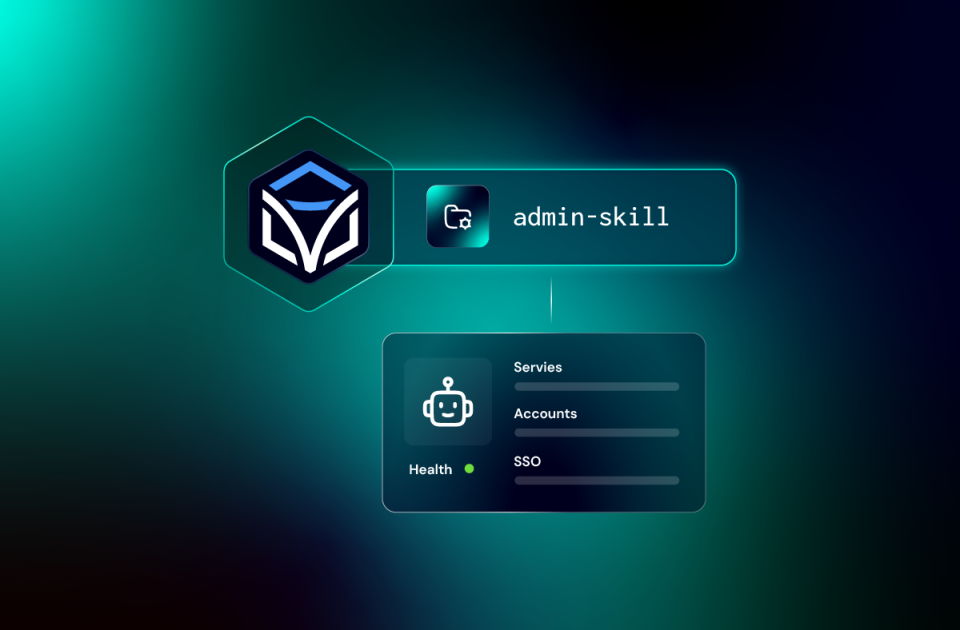
Check platform health and manage adapters, applications, and workflow-engine workers.
Manage users, groups, roles, service accounts, SSO, codeless integrations, and pre-built content.
Describe what you need in plain language. Builder, Operator, and Admin Skills supply the Itential-specific guidance to build workflows and FlowAgents, investigate failures, and assess platform health.
“I want to automate VLAN provisioning on my platform.”
Refine the requirement into a spec, check what your environment supports, and move through design, build, test, and as-built documentation with engineer review at the delivery gates.
“Show me the jobs that failed today and why.”
Inspect failed jobs, identify the task and error behind each failure, and determine whether to correct inputs, retry a task, or escalate the issue.
“Check the health of my Itential platform.”
Inspect adapters, applications, and their states. Use the findings to guide further investigation or the administration work you request.
The three skill packs support Claude Code, Codex CLI, GitHub Copilot CLI, GitHub Copilot in VS Code, and Cursor. Install the pack you need, connect it to your Itential environment, and start with a plain-language request or a native skill command.
Builder Install Guide › | Operator Install Guide › | Admin Install Guide ›
Install your chosen pack as a plugin from its Itential GitHub marketplace. Use it in Claude Code or its VS Code extension.
Install your chosen pack through Codex CLI. The repository also documents use with its VS Code extension.
Install your chosen pack through the Copilot CLI plugin marketplace, then use it from the terminal.
Install your chosen pack from source through the VS Code Command Palette and use it in Copilot Chat.
Install the skills for Cursor with the GitHub CLI. Follow the relevant repository guide for setup and invocation.
Watch how to install Builder Skills and activate the plugin in Claude Code. Using another AI coding harness? Follow its installation guide in the section above.
Your team has its own naming conventions, design standards, and change procedures. Add that guidance to the skills so the agent can apply it to your work.
Customize at Every Level
Each skill supports organization, team, and personal customization.
Maintain One Organization Copy
Keep an organization copy of the repository, add your rules in the designated customization folders, and have your team install from that copy.
Keep Upstream Updates Clean
Your guidance stays separate from the foundational skills, so you can bring in updates without losing your rules.
Permissions Still Apply
Skill guidance directs agent behavior. Platform permissions determine what the authenticated account can access and change.
Create workflows and FlowAgents with Builder. Run and troubleshoot jobs with Operator. Manage platform health and access with Admin. Use the pack you need, or bring all three into your coding harness.
Choose the pack for your next task. Install it in your coding tool, connect to your Itential environment, and start with a request.
Open-source skill packs that give supported AI coding agents Itential-specific guidance for building automation, operating jobs, and administering the platform.
Choose Builder to design, build, test, or document automation. Choose Operator to run existing automation, monitor jobs, and investigate failures. Choose Admin to manage platform health, configuration, access, and integrations.
No. Each pack works independently. You can install them alongside one another when your responsibilities span building, operations, and administration.
They run in supported AI coding tools: Claude Code, Codex CLI, GitHub Copilot CLI, GitHub Copilot in VS Code, and Cursor. They connect to your Itential environment using the credentials you configure. They are not standalone FlowAgents running inside Itential.
AI Skills helps you build, operate, and administer Itential from your AI coding harness. FlowAI enables you to build and run agents within the platform. The Itential MCP Server exposes platform capabilities to external AI applications, while FlowMCP Gateway brings external MCP tools into Itential workflows and agents.
AI Skills connects directly to Itential’s APIs and does not require the Itential MCP Server.
Builder Skills uses requirements, feasibility, design, build, test, and as-built stages. Operator and Admin Skills guide their own operational and administrative tasks; they do not use that delivery lifecycle for every request.
Headless means working with Itential through your AI coding harness, with skills guiding requests through the platform’s APIs. It complements Itential’s application interfaces, giving teams another way to build, operate, and administer the platform using their configured credentials and permissions.
Yes. Each skill supports organization, team, and personal guidance. The repositories explain how to maintain your organization copy and keep custom rules separate from the foundational skills.
You need a supported coding tool, an Itential environment, and configured platform credentials. The authenticated account needs permission for the work you request. Use an account with access appropriate to that work.
You can describe a task in plain language and let your coding tool select a relevant skill. Native commands are also available. The repository guides document invocation for each tool.
Check the requirements in the repository for the pack you choose. Builder Skills targets Itential Platform 6, with Itential Gateway 5 required for Gateway-specific work. Confirm the requirements for Operator and Admin before installation.
Each repository provides contribution instructions, a license, and a GitHub issue channel. Check the selected pack’s documentation for current support information. Use its security reporting instructions for security issues.