Builder Skills: Turn Requirements Into Something You Can Support
Consider a request: “Build a VLAN provisioning workflow with validation before and after the change.”
The request establishes the goal. There are still engineering decisions to make: required inputs, target systems, validation checks, failure handling, and what constitutes a successful result.
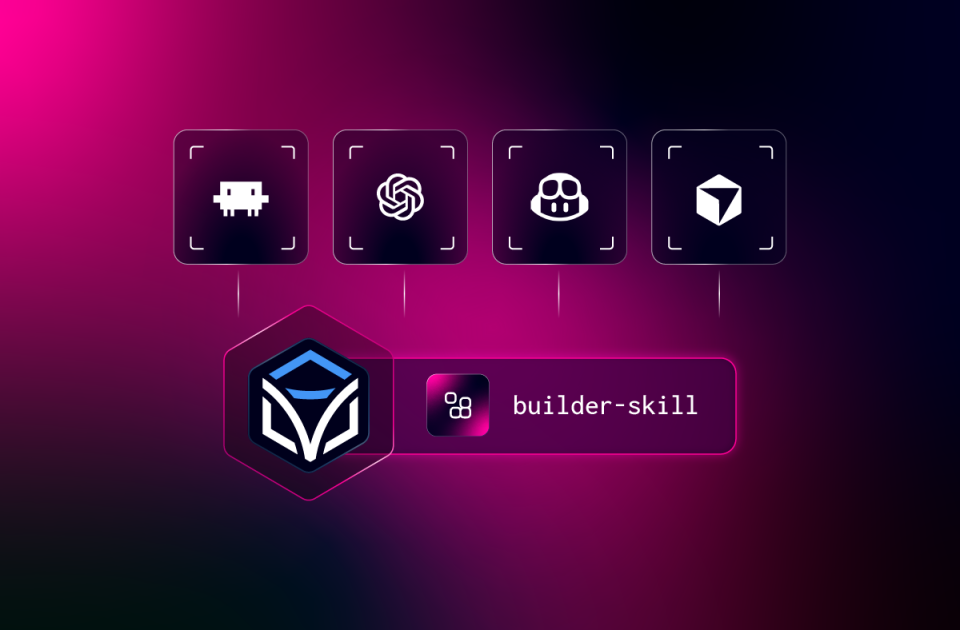
Builder Skills guides that work through requirements, feasibility, design, build, test, and as-built documentation. Engineers can review each step and control the testing and validation.
The resulting asset might be a workflow or FlowAgent. Builder also supports forms, command templates, configuration and compliance assets, Lifecycle Manager resources, and Itential Gateway services.
The documentation matters after the initial delivery. When another engineer needs to change the automation, the requirements, design, and test results give them a starting point.
You can also use Builder Skills to document an existing project before making its next change.
Operator Skills: Understand What Happened & Choose the Next Action
Once automation is running, the questions change. “Show me the jobs that failed today and the errors behind them.”
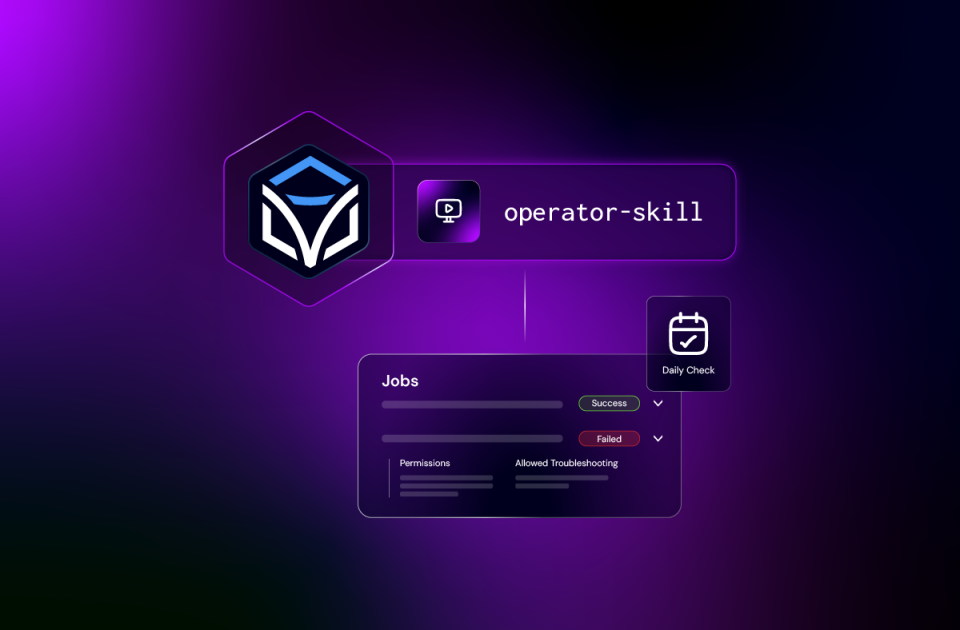
Operator Skills guides the agent through finding the jobs, inspecting the failed tasks, and retrieving relevant error information and results. You can use those findings to decide whether to correct an input, investigate a dependency, retry a task, or escalate.
A reported error is evidence for that decision. It may still take investigation to establish the underlying cause.
Operator Skills also helps you find existing automation, inspect its required inputs, request a run, and check the resulting job. You can review waiting manual tasks, submit the outcome you specify, and manage automation triggers and schedules.
For an engineer handling an operational queue, that puts several familiar tasks in one working environment. Start with what needs attention, inspect the information, and request the appropriate next step.
Admin Skills: Maintain the Environment the Work Depends On
Sometimes the job is healthy, but the environment needs attention. An adapter has stopped. A new integration needs access. A team needs a service account.
Start with: “Check the health of my Itential environment and flag what needs attention.”
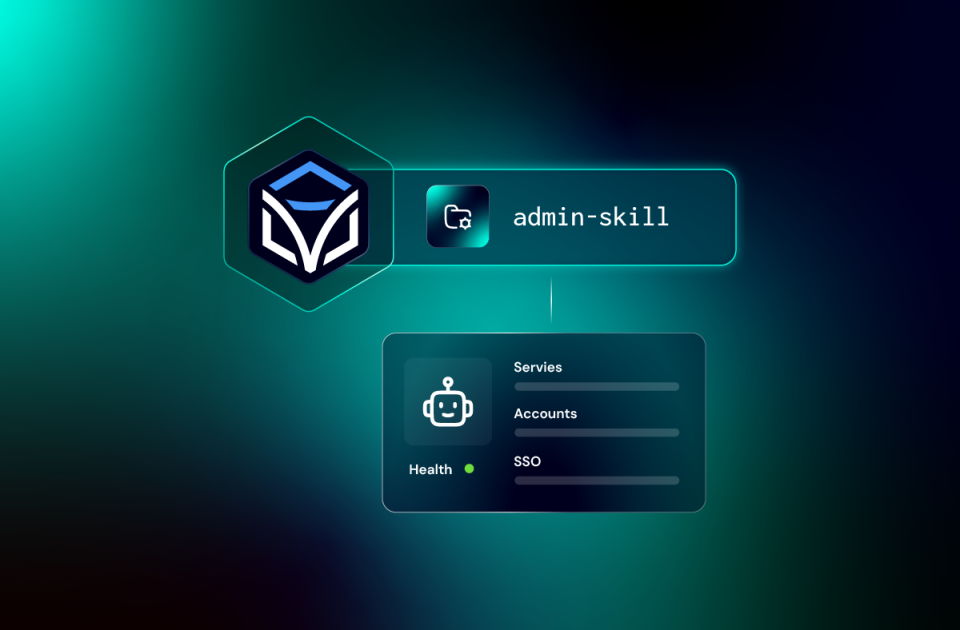
Admin Skills supports inspecting platform components and their states, then carrying out the administration work you request. Its scope includes services, accounts, groups, roles, service accounts, SSO, integrations, and configuration.
For an integration request, the work can include creating the integration model and instance, assigning the required access, and checking that its tasks are available to the intended users.
That is useful to administrators and to engineers who share responsibility for the automation environment. The platform work surrounding a delivery can happen through the same coding harness used to build and operate it.
Three Packs, Connected Responsibilities
Take an interface compliance use case.
- You use Builder Skills to define and build the workflow, review its checks, and test the result.
- You use Admin Skills to configure the integration and access the workflow needs.
- You use Operator Skills to schedule the existing automation, inspect its jobs, and investigate a failed run.
Those tasks have different procedures and may belong to different people. The packs provide guidance for each responsibility while working against the connected Itential environment.
You can install one pack for the work you own or use all three when your responsibilities span the lifecycle.
More Capacity Across the Automation Program
For an organization, the value extends beyond completing an individual task faster. When more engineers and operators can apply their expertise without first mastering every platform detail, work depends less on a small group of specialists. Experienced users can spend more time on complex engineering, while other team members take on the building, operational, and administrative tasks within their responsibilities. That helps teams shorten delivery cycles, put existing automation to broader use, and grow the program with the people they already have.
Connect Agentic Development & Operations to Governed Execution
As AI makes it easier to build and operate automation, the platform executing that work becomes more important. Itential AI Skills connects the flexibility of an AI coding harness to the Itential Platform’s permissions, execution controls, and operational visibility. Teams can work through plain-language requests while Itential authenticates the connected account, enforces its access, and manages the resulting platform actions. Whether engineers build a workflow with defined steps or a FlowAgent that reasons through a task at runtime, Itential provides the governed execution foundation for the infrastructure actions.
Skills guide how the coding agent approaches the work. Engineers still review proposed changes, control testing and validation, and assess results. Organization and team guidance can add naming conventions, design standards, and change procedures alongside the controls enforced by the platform. Together, these give teams a way to accelerate agentic development and operations while retaining control over how that work reaches their infrastructure.
Start With One Task You Already Understand
Choose a task where you can assess the result.
Inspect a failed job. Check platform health. Document an existing project. Then move into building or changing assets as you become familiar with the approach.
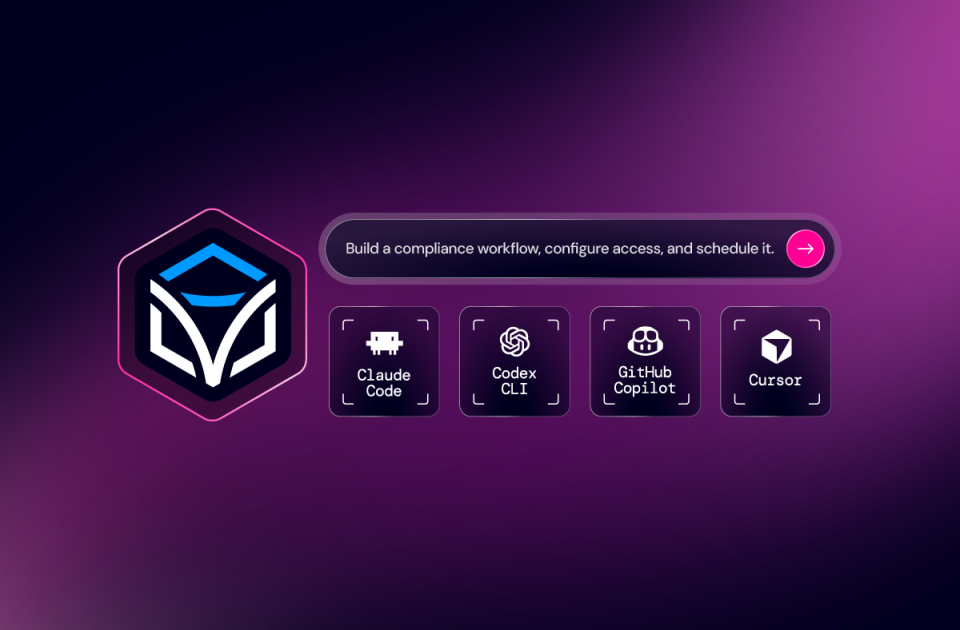
Install the relevant pack, configure your Itential connection, and open your supported coding harness. The repositories document installation and invocation for Claude Code, Codex CLI, GitHub Copilot CLI, GitHub Copilot in VS Code, and Cursor.
Start with the pack that matches your responsibilities. Use your coding harness, Itential’s graphical interfaces, or both as the work requires.
Explore Itential AI Skills and choose the pack for your next task.
Get Started with Itential AI Skills →
Register for the Live Webinar to See It In Action →


 Build Build agents & workflows visually, with AI, or bring your own.
 Integrate Connect every system, tool, agent, & AI in your stack.
 Execute Execution for agentic & deterministic operations.
 Secure & Govern Govern every action with built-in RBAC, audit & approval gates.
 Operate Self-service operations & real-time visibility.










 Agentic Operations Connect AI to infrastructure for trusted, automated actions.
 Infrastructure Modernization Transform legacy networks into modern, AI-ready infrastructure.
 Infrastructure as a Product Deliver network and infrastructure services on demand - self service, governed, & consumed like cloud.
 Hybrid & Multi-Cloud Orchestration Unify hybrid & multi-cloud infrastructure through agentic orchestration.
 Unified Change Management Unify network & infrastructure changes across every team, tool, & domain.