- One form per task: add a single
<form> element to collect operator input. Anything outside that form is still captured, grouped separately as orphan. - Placeholders you control:
<!variableName!> tokens in your HTML get swapped for real values (a device name, a requester) before the operator ever sees the screen. - Structured output: the form’s fields come back keyed by its name or id (or a positional
form0 if you don’t set one). - Two ways out:
btn_success and btn_failure route the workflow down a success or failure transition. - HTML5 and CSS only: script tags and inline JavaScript are stripped before the content ever renders.
Reopen a completed task later and Work Center shows exactly what was submitted, read-only. It’s a small addition with a real effect: the operator screens teams already build in Work Center stop being read-only.
Before this, an approval-style workflow with any real UI polish meant one of two workarounds: pair View HTML for the operator-facing screen with a separate JSON Form to capture the decision, then stitch the two together with extra canvas logic, or skip Work Center altogether and build a standalone web app outside the platform just to get the response back in. Both are real development overhead for something that’s conceptually one screen. Interactive HTML collapses it into a single task: context and decision on the same screen, one task, no second system to keep in sync.
Read the documentation on the Interactive HTML task →
Studio Projects: A Break-Glass Role for When Access Gets in the Way
Every Studio Project already scopes access through Owner, Editor, Operator, and Viewer roles. The gap: what happens when the one person with Owner access leaves, or a project’s membership gets tangled and nobody can fix it without going around the permission model entirely?
Platform 6.5.2 adds projects-admin, a new API-only role that lets an authorized administrator view, list, and manage any Studio Project across the environment, including reassigning membership or deleting it outright, independent of that project’s own access permissions. Every action taken this way still runs through the platform’s audit trail.
This is a break-glass control, not a new way to run projects day to day. Normal building and collaboration still goes through Owner, Editor, Operator, and Viewer, same as always.
The failure mode this actually fixes: someone with Owner access leaves the company, offboarding misses the project, and it becomes permanently unreachable. The only way back in was a support ticket asking Itential to intervene on your own data from outside. That’s not just inconvenient; for any customer running periodic access reviews, an asset nobody can attest to or reassign is a live audit finding. projects-admin makes that fully self-service, and still fully audited.
Read the documentation on Studio Projects →
FlowAI’s Model Registry Adds Databricks
Model Registry is where FlowAI’s LLM Admins connect provider credentials so builders can assign models to agents. Platform 6.5.2 adds Databricks to the supported provider list, alongside OpenAI, Anthropic, Google, Ollama, both direct and proxied Amazon Bedrock, and Itential Gateway Manager itself as a provider.
Databricks authenticates differently than the rest of the list: instead of a simple API key, it uses an Azure Entra ID service principal and a client secret, and that secret can be a raw value, a Gateway secret alias, or a reference into whatever secrets manager Platform already trusts, including HashiCorp Vault. Beyond setup, it works like any other provider: the same Fetch Models validation, the same per-agent-project visibility controls.
This one’s less about the integration and more about the procurement clock. A regulated customer, in finance or healthcare, say, that’s already put Databricks through its AI governance process (data residency, lineage, whatever their review requires) previously had two bad options for adopting FlowAI: stand up a second, unsanctioned LLM path that fails security review, or restart a multi-quarter vendor approval cycle for a different provider. Databricks support means FlowAI can run on infrastructure they’ve already cleared, instead of waiting behind a fresh compliance cycle.
It’s also a reminder of the bigger bet FlowAI makes: the model is a plug-in, not a platform commitment. Whatever you’re running, Claude, GPT, Gemini, an open-weight model like Llama or Nemotron, or now something served through Databricks, the same RBAC, approvals, and audit trail apply underneath.
Read the documentation on the Model Registry →
What Else Shipped
Itential Platform Monitoring in the Grafana Marketplace
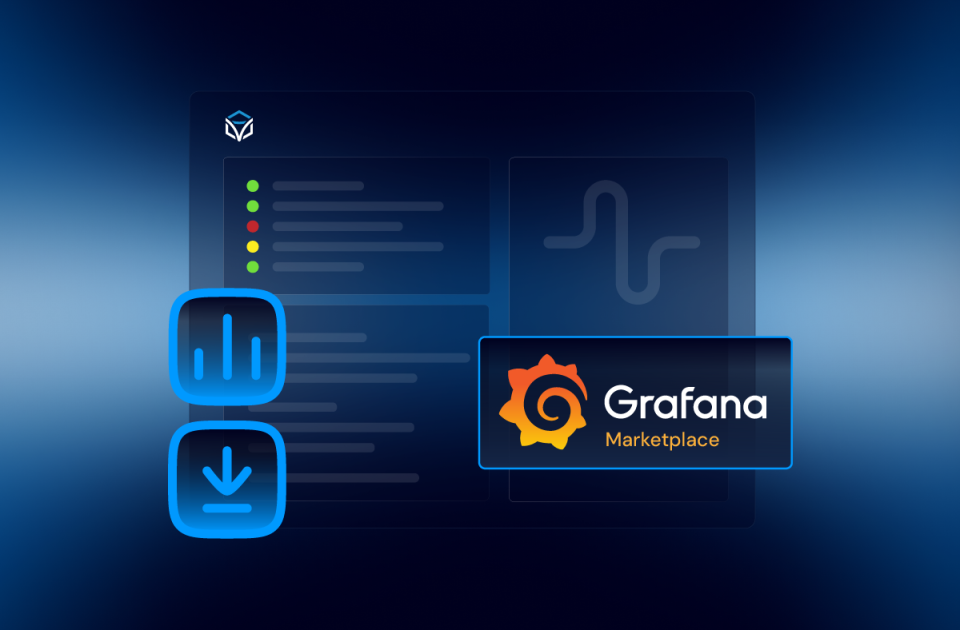
Itential Platform Monitoring is now available in the Grafana Marketplace, giving teams a ready-made dashboard for platform observability. Read the Platform Monitoring blog →
JSON Forms validation API
JSON Forms adds a new /validate endpoint, so builders and agents can validate a form asset before it’s used, particularly useful when the asset was generated by an agent.
Everything else
Platform 6.5.2 also ships 20 enhancements, 27 bug fixes, and 31 security fixes across Core, Studio, Work Center, Lifecycle Manager, Configuration Manager Enterprise, NSO Service Manager, and more, including OpenAPI 3.0.4 support for Integrations and SHA256 checksum files added to the Gateway Manager and Inventory Manager build pipelines.
Read the full Platform 6.5.2 release notes →
Built to Be Run, Not Just Demoed
None of this is showy the way FlowAI’s GA launch was. That’s the point. Gateways that fail over on their own, operator screens that actually collect an answer, a role that exists for the one day you desperately need it, one more LLM provider on the list: this is what a platform looks like when it’s built to run in production, not just to demo well.
Want to see how it works? Schedule a demo with our team.


 Build Build agents & workflows visually, with AI, or bring your own.
 Integrate Connect every system, tool, agent, & AI in your stack.
 Execute Execution for agentic & deterministic operations.
 Secure & Govern Govern every action with built-in RBAC, audit & approval gates.
 Operate Self-service operations & real-time visibility.










 Agentic Operations Connect AI to infrastructure for trusted, automated actions.
 AI Vulnerability Response Discover & remediate critical vulnerabilities at machine speed.
 Infrastructure Modernization Transform legacy networks into modern, AI-ready infrastructure.
 Infrastructure as a Product Deliver network and infrastructure services on demand - self service, governed, & consumed like cloud.
 Hybrid & Multi-Cloud Orchestration Unify hybrid & multi-cloud infrastructure through agentic orchestration.
 Unified Change Management Unify network & infrastructure changes across every team, tool, & domain.