...
Itential Platform Pricing Explore flexible plans and options for your team

Itential logo
Live Virtual Workshop

Build & Orchestrate Infrastructure AI Agents

Dec. 18, 2026 | 12–3 p.m. ET | Virtual | Free to Attend

Join us for a free, three-hour virtual workshop on building and running infrastructure FlowAgents in the Itential Platform. Build an agent that investigates a network issue, use a specification to define and test its behavior, and connect specialist agents into a coordinated workflow.

John Capobianco and the Itential technical team will guide you through live demonstrations and hands-on exercises in our cloud-hosted Itential Platform environment, with time to ask questions and get help as you build.

Free to Attend | Once your registration is accepted, you will receive a lab key and access instructions for our cloud-hosted Itential Platform environment. No existing Itential deployment is required.

Why Join

What You Will Build & Learn

You will practice in a workshop lab and develop an understanding of how the pattern works, so you can assess how to apply it in your own environment.

Icon symbolizing flow agents

Build a FlowAgent that checks interface health and reports findings with evidence.

Icon symbolizing field teams

Define and test the agent’s scope, tools, expected output, and acceptance criteria in a specification.

Icon showing a plug and socket, symbolizing connectivity.

Connect specialist agents through a coordinator that combines inventory context with health-check results.

Learn how to inspect tool calls, evaluate results, and apply the approach to another infrastructure task.

Workshop Overview

From Building an Agent to Orchestrating a Team

The three parts follow one practical infrastructure use case: investigating a network service issue. You will start with a health-check agent, define and test its behavior, then add inventory context to build a more complete investigation.

Each section builds on the previous exercise. By the final session, you will see how a coordinator delegates to specialist agents and brings their findings into one report showing what was checked, what looks wrong, and what a person should investigate next.

–+

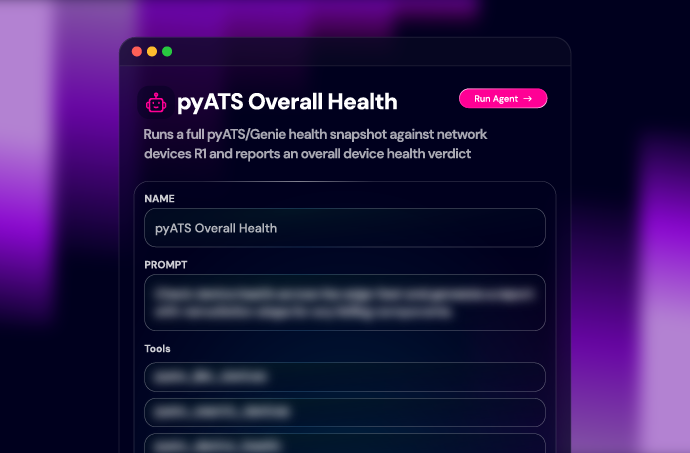
Give your first agent a useful job: inspect interface health and report what it finds. You will define its goal, select a small set of prepared tools, and set boundaries for how it should work.

What You Will Do

  • Write an instruction that names the task, scope, limits, and expected result.
  • Connect prepared pyATS tools for device and interface validation.
  • Run a health check and inspect the tool calls and execution trace.
  • Refine the instructions so findings include evidence and uncertainty is visible.

What You Will Understand

How the goal and tool selection shape agent behavior, why a focused agent is easier to evaluate, and how to distinguish a supported finding from an answer that needs further investigation.

Your Checkpoint

An agent returns a structured health summary showing what it checked, what it found, and the evidence behind its findings. If a device cannot be reached, the result makes that limitation clear.

This first exercise establishes the behavior you will formalize and test in Part 2.

–+

A successful run is a starting point. Your team also needs a clear definition of what the agent should do every time. In this section, turn the first exercise into a specification that another engineer can review and reuse.

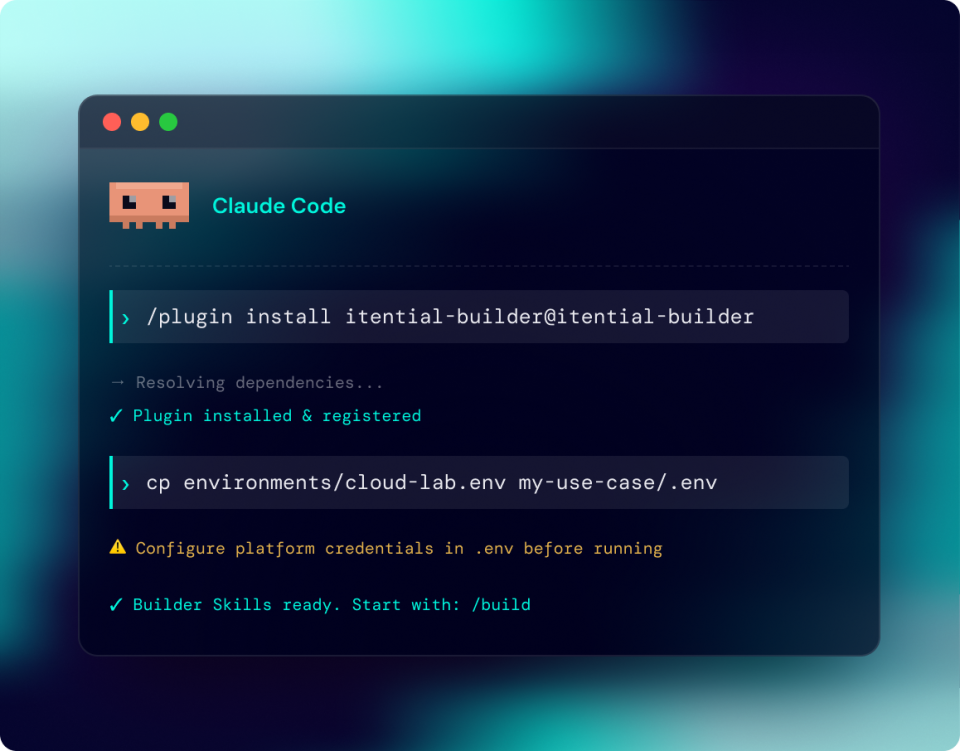
You will use Itential Builder Skills in the workshop development environment to generate or refine the agent against that specification. The focus is on intent, boundaries, and validation, with starter materials to keep the build moving.

What You Will Do

  • Define the inputs, outputs, permitted tools, and operating limits.
  • Write acceptance criteria for a normal result, a detected problem, and an unreachable device.
  • Review the proposed approach before building or updating the agent.
  • Run the prepared test cases and compare the results with the specification.

What You Will Understand

How a specification guides the build, where a person reviews and approves the approach, and how acceptance criteria expose gaps that a convincing demo can miss.

You will also see the distinction between the development tools used to build an agent and the FlowAgent that runs inside the Itential Platform. Builder Skills support the development process; the runtime agent carries out the operational task.

Your Checkpoint

A reusable specification and test results showing whether the agent meets its acceptance criteria. You will have a record of its intended behavior and a concrete way to evaluate changes.

A Pattern To Take Back To Your Team

Describe the job. Define its boundaries. Review the approach. Build against the specification. Validate the result. You can apply the same sequence to a different infrastructure task after the workshop.

–+

The health check tells you what a device is doing. Inventory provides the context needed to interpret that finding. Bring those two responsibilities together through a coordinator that calls the right specialist and assembles one report.

Using prepared starter assets, you will connect a validation specialist and an inventory specialist. The coordinator delegates the work; each specialist keeps a defined job and a limited set of tools.

What You Will Do

  • Add a NetBox inventory specialist to the investigation.
  • Define the information each specialist receives and returns, including status, result, and evidence.
  • Connect the specialists to a coordinator and run the full scenario.
  • Inspect the handoffs and see how a missing or failed result affects the final report.

What You Will Understand

When to divide work between agents, what belongs in a handoff contract, and why the coordinator needs explicit failure behavior. You will see how scoped tools and structured results make the investigation easier to inspect.

Your Checkpoint

A coordinated triage report combining inventory context with health findings. It identifies what was checked, what looks wrong, what evidence is available, and what a person should investigate next.

See the Path to Governed Action

The closing instructor demonstration extends the investigation into a proposed remediation workflow. See where a human approval gate belongs and how validation supports a change decision. Attendee exercises remain read-only within the workshop lab.

Your Live Workshop Experience

What to Expect During the Session

Bring a laptop and plan to participate. Each section combines a short explanation, an instructor demonstration, guided lab time, and a checkpoint to review the result. Ask questions as you work; the technical team will help with the exercise and common lab issues.

Starter assets and working checkpoints keep the three parts connected. If an exercise takes longer than expected, use the next checkpoint to continue with the group. Two short breaks are included.

Your 3 Hour Agenda

Time ET Session
12:00–12:10 p.m. Welcome, Lab Orientation & A Preview of the Finished Example
12:10–12:55 p.m. Part 1: Build a Focused FlowAgent
12:55–1:00 p.m. Break
1:00–1:50 p.m. Part 2: Build & Test From a Specification
1:50–1:55 p.m. Break
1:55–2:45 p.m. Part 3: Coordinate Specialist Agents
2:45–3:00 p.m. Governed Action Demonstration, Q&A & Next Steps

You should be comfortable with basic networking concepts and familiar with APIs or automation tools. Prior experience building AI agents is not required. Customers and prospects follow the same guided lab; you do not need to bring an existing Itential deployment.

FAQs

Before You Register

–+

No. The workshop is designed for both existing customers and teams evaluating Itential. Everyone works through the same scenario in the workshop lab.

–+

No prior agent-building experience is required. We will introduce the concepts as you use them. Basic networking knowledge and familiarity with APIs or automation will help you follow the exercises.

–+

The main exercises focus on agent instructions, tool selection, specifications, and testing. You will use prepared tools and starter assets rather than build integrations from scratch. You should be comfortable following technical setup instructions and reviewing structured output.

–+

Bring a laptop, a reliable internet connection, and access to a coding harness of your choice. We’ll send a full FAQ ahead of time, so you can complete the readiness check before the session so you can spend the live time on the exercises.

–+

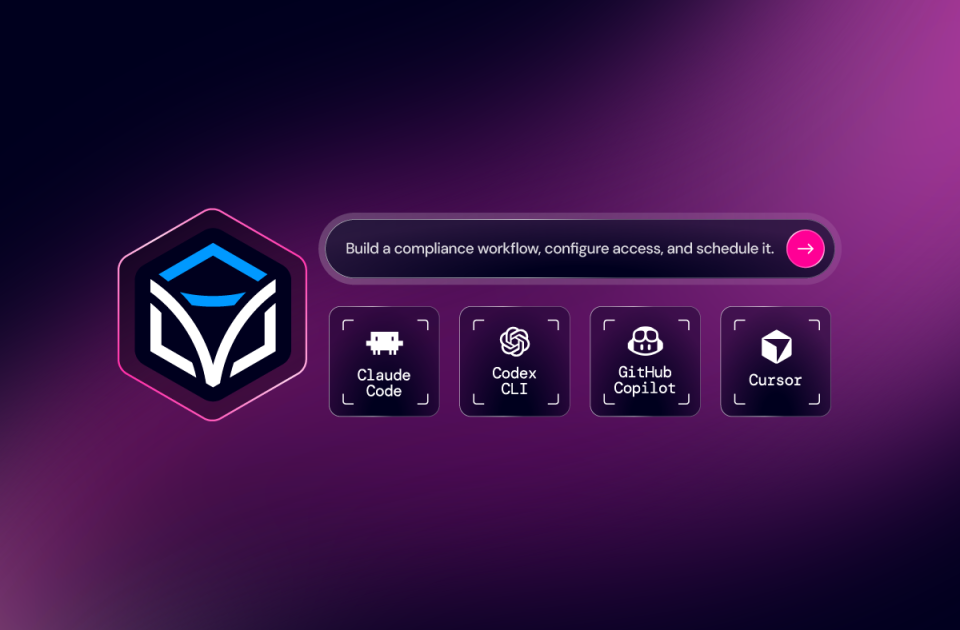
All you need is a web browser and a coding harness of your choice (Claude Code, Copilot, Cursor, etc.).

–+

No. The exercises use prepared systems in the workshop lab. You do not need production credentials or a connection to your company infrastructure.

–+

Yes. Each part includes an instructor demonstration and guided exercise time. You will run checks, review results, and work through a connected example across all three parts.

–+

Attendee exercises are read-only and run in the workshop lab. The instructor will demonstrate how a proposed remediation can move through a human approval gate and a governed workflow.

FAQs

During & After the Workshop

–+

Ask the technical team for help during the exercise. Prepared checkpoints let you move into the next section without having to finish every earlier step. You can revisit the lab instructions and starter materials afterward.

–+

You will gain hands-on experience building a FlowAgent, defining and testing its behavior through a specification, and coordinating specialists around an infrastructure investigation. The focus is on the skills and approach you practice during the session; continued access to the workshop lab is not included.

–+

The workshop provides a learning environment and reusable patterns. Applying them to production requires your team to validate integrations, permissions, acceptance criteria, and change controls for your own systems.

–+

Yes. Share it in the optional registration field or bring it to Q&A. The live exercises use one shared scenario so the group can progress together. The team can help identify a suitable follow-up for your own use case.

–+

Lab access is provided for the workshop only. Continued access after the session is not included.

–+

Yes, the session will be recorded for internal training purposes, but not shared online. If you would like the recording, let us know and we’ll do our best to accommodate.

–+

The workshop is free to attend. Registration is subject to acceptance.

–+
Keep Learning

The Latest in Agentic Operations