Bring Itential administration into your AI coding harness. Admin Skills enables headless platform administration through Claude Code, Codex, GitHub Copilot, and Cursor.
Check platform health, manage access, and configure integrations through plain-language requests, with platform permissions controlling what you can inspect and change.
An open-source skill pack that brings Itential administration knowledge into your AI coding harness.
Check platform health, manage adapters and applications, configure access, and set up integrations.
Install the pack, connect your Itential environment, and describe the administration task in plain language.
Inspect your Itential environment and carry out administration tasks with platform-specific guidance for services, identities, integrations, and configuration.
Admin Skills guides your coding agent through the platform resources and procedures involved in administration. Start with a health check, inspect an existing configuration, or request a specific change.
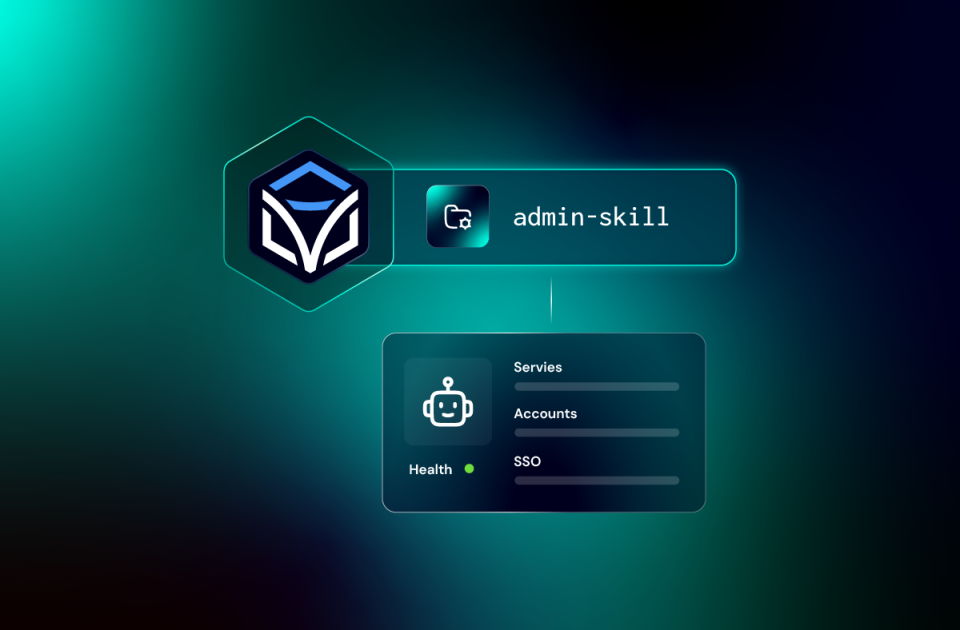
Two skills cover the work: admin-platform handles platform health and services; admin-config handles access, integrations, and configuration.
Ask in plain languageabout failed jobs, run an automation, or manage schedules and approvals. Operator Skills supplies the Itential-specific guidance for the task.
“Check the health of my Itential platform.”
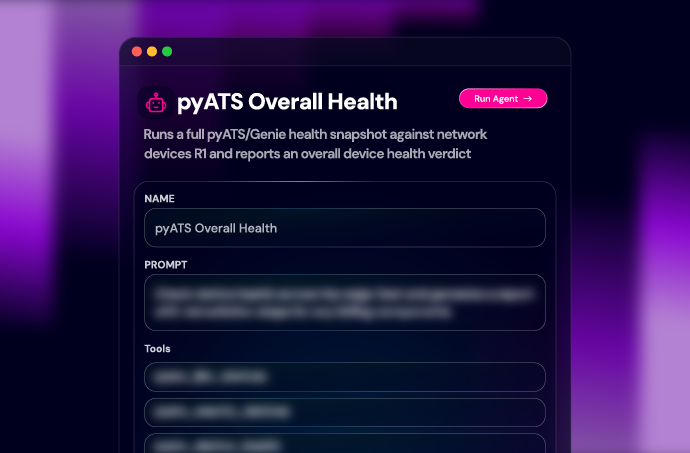
Get a summary of adapter and application states, with findings that need further investigation. Use the results to request a more specific check or administration action.
“Create a read-only service account for our CI integration.”
Review the required access, create the OAuth service account with appropriate group membership and permissions, and test authentication for its intended use.
“Set up a codeless integration from this OpenAPI specification.”
Create the integration model and instance, assign the generated roles to the intended group, and check that its tasks are available to the users who need them.
Use Admin Skills where you already work. The same skill pack supports Claude Code, Codex CLI, GitHub Copilot CLI, GitHub Copilot in VS Code, and Cursor, with installation and invocation following each harness’s conventions.
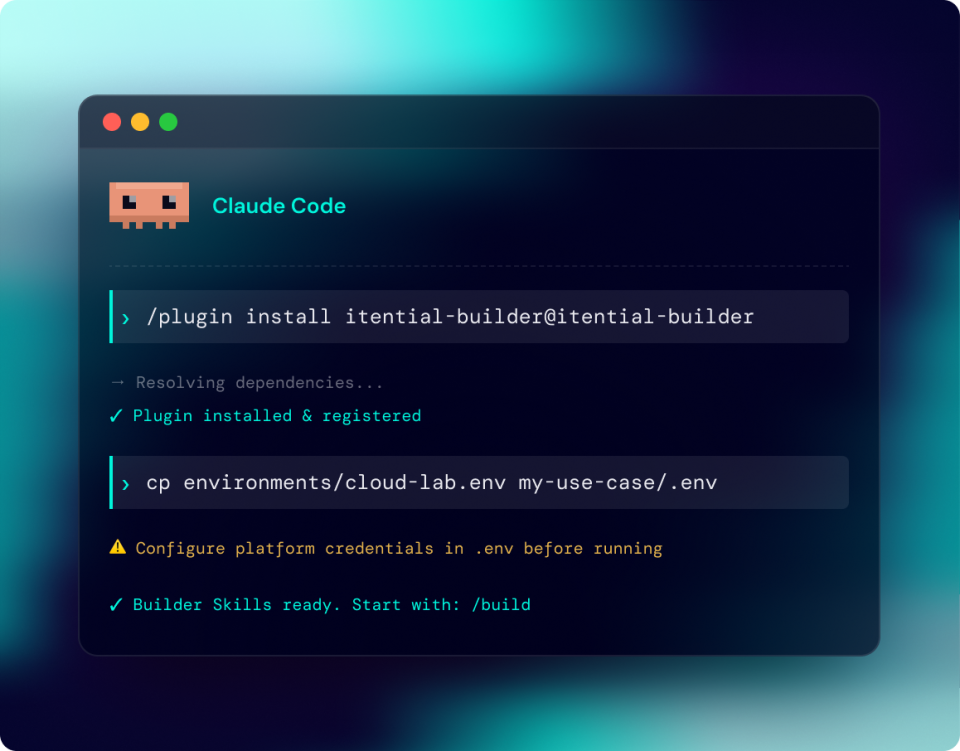
Install Admin Skills through the Claude Code plugin marketplace. Use it in the terminal or through the Claude Code extension in VS Code.
/plugin marketplace add itential/admin-skills
/plugin install itential-admin-skills@itential-admin-skills Install Admin Skills through Codex CLI. The repository also documents use with the Codex extension in VS Code.
codex plugin marketplace add itential/admin-skills
codex plugin add itential-admin-skills@itential-admin-skills Install Admin Skills through the Copilot CLI plugin marketplace and use it from your terminal.
copilot plugin marketplace add itential/admin-skills
copilot plugin install itential-admin-skills@itential-admin-skills Install Admin Skills from source through the VS Code Command Palette, then use it in Copilot Chat.
itential/admin-skills Install Admin Skills for Cursor using the GitHub CLI, or follow the repository’s instructions for working from a clone.
gh skill install itential/admin-skills --agent cursor --all
Admin Skills works against the Itential environment you connect. Add your organization’s procedures so the skills can apply the guidance relevant to your platform.
Share organization and team guidance through your organization’s repository copy, while keeping personal environment settings separate. Custom guidance stays separate from Itential’s foundational skills as you bring in updates.
Inspect platform health and manage configuration, access, integrations, and installed content from your AI coding harness.
Manage integrations, applications, workflow-engine workers, and service accounts supporting your platform environment.
Configure groups, role assignments, SSO, and integration access for the teams you support.
Give administrators shared standards for platform configuration, access, and change procedures across supported coding harnesses.
Builder, Operator, and Admin Skills cover different responsibilities. Use the pack you need, or install them alongside one another in your AI coding harness.
Install Admin Skills, connect your Itential environment, and start with a plain-language request. Check platform health, inspect access, or set up the integration your team needs.
An open-source skill pack that gives AI coding agents Itential-specific guidance for platform health, service lifecycle, access, SSO, integrations, configuration, and pre-built content.
admin-platform covers health, adapters, applications, workflow-engine workers, and database indexes. admin-config covers accounts, groups, roles, service accounts, SSO, integrations, profiles, and pre-built content.
Its primary scope is administering the Itential Platform. Use the appropriate Builder or Operator skills for building device automation or operating existing workflows.
It supports managing accounts, group memberships, roles, and service accounts through platform APIs. The authenticated account needs permission to perform the requested changes.
Yes. admin-config documents creating codeless integrations from OpenAPI specifications, configuring instances, and assigning the generated roles to groups so users can access integration tasks.
Yes. It supports SSO configuration and testing, along with OAuth service-account creation and management. Changes to authentication or credentials should follow your organization’s administration procedures.
Claude Code, Codex CLI, GitHub Copilot CLI, GitHub Copilot in VS Code, and Cursor. The repository documents installation and invocation for each tool.
You need a supported coding tool, an Itential environment, configured credentials, and permissions for the resources and actions you request. Check the repository for current requirements.
Yes. Add organization, team, and personal guidance in the designated customization folders. The customization guide explains how to maintain an organization copy alongside upstream updates.
Use the repository’s GitHub issue channel for questions and bugs. Review its contribution, license, and security reporting information before contributing or reporting a security issue.