I’ve been on support calls where it is 2 a.m., the engineer has already worked a full day, and we have finally restored connectivity. The next thing I hear is that they will write up the ticket tomorrow.
I understand. Everyone wants to get some sleep. But tomorrow brings another incident, the notes get lost, and the details of the change never make it into the record.
That gap is part of what I wanted to address with ServiceNow network remediation. The process needs to carry the investigation, the approved change, and the evidence of the result all the way back to the ticket.
John Capobianco and I worked through that in our webinar, Agentic ServiceNow Remediation: From Alert to Closed Ticket. I built three FlowAgents in the Itential Platform to handle coordination, read-only triage, and approved remediation. We used a straightforward connectivity problem to show how those responsibilities fit together, including the work people tend to leave until tomorrow.
The ticket started with a familiar complaint: a user at a remote site could not reach 8.8.8.8 from a particular host.
That sounds simple until you start working it. You need to establish whether the host has network connectivity, whether it can reach its default gateway, and where access to the destination breaks down. You may need to inspect more than one device before you have enough evidence to propose a change.
The source host and remote site were important details in the ticket. If someone tells you they cannot reach an IP address, the first thing you need to know is where they are trying from. An agent needs that context too.
For this lab, I had deliberately inserted an access control list, or ACL, entry that blocked the destination. The agent had to investigate and find it. I gave it a troubleshooting sequence rather than telling it that an ACL was the answer.
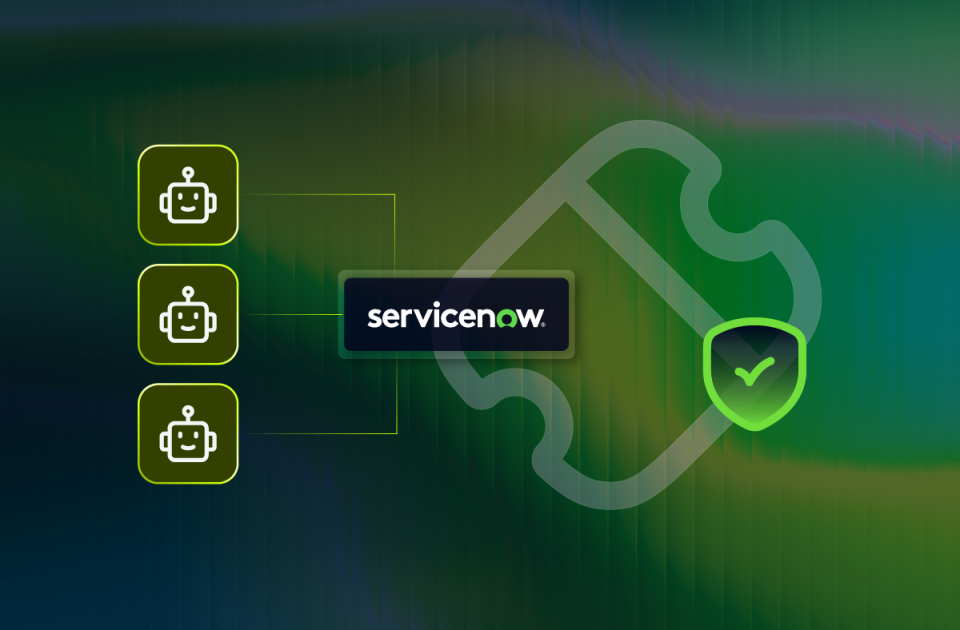
I split the process into three agents because each part needed a different set of tools and a different responsibility.
The incident coordinator read the ticket, gathered its context, and dispatched the triage agent. It also owned the ServiceNow updates and the human approval step. That gave the incident a coordinator throughout the process, even as the technical work moved between agents.
The triage agent investigated the host and network devices using read-only infrastructure tools. It could gather evidence, diagnose the problem, and propose a fix with rollback information. It did not have the tools to apply that fix. That boundary was deliberate: I wanted the investigation to establish what was wrong before anything changed.
If the triage agent decided it had found the answer, its next job was to report the findings for review.
The remediation agent had the write capability. Its job was tightly scoped: take the approved configuration, check the conditions, apply the change, and verify the result.
The platform handled the inventory, device connections, secrets integration, and tool execution underneath. The agent could work through the available tools without an engineer manually logging into each device to gather the same information.
The investigation found that the host could reach its default gateway but could not reach the destination. On the border device, the triage agent identified the ACL entry I had inserted and proposed removing it.
The findings went into the ServiceNow ticket. In Itential Work Center (Human-in-the-loop application), the approval request brought together the incident, the connectivity evidence, the proposed configuration, the preconditions, and the rollback information.
That is what I want in front of the person making the decision. They need enough context (just like an agent…) to understand the problem and evaluate the change. For an ACL, that includes understanding the intended policy in that environment. The entry in our lab was a planted fault; an actual production rule needs an informed review.
I approved the proposal, and the approval was immediately recorded in the incident. The remediation agent could then proceed with the approved work.
One detail I particularly liked was that the remediation agent checked connectivity again before applying the change. It confirmed that the preconditions still matched what it had been given.
That is useful operational behavior. An incident can change while it is waiting for approval. A transient issue might have cleared. If execution waits for a change window, the environment may be different from when the original investigation ran.
Once the preconditions matched, the agent applied the approved configuration. It then returned to the Linux host for connectivity probes and inspected the ACL on the network device.
The checks showed reachability to the destination after the change. They included ping and traceroute, so the result was specific to that connectivity test. For an application or a DNS service incident, you would need validation appropriate to that service as well.
This is where the documentation and the architecture come together. The coordinator kept adding to the incident as the work progressed: triage findings, the human approval, the remediation record, and the validation results.
The record showed what the agents observed, what was proposed, what was approved, and what happened after execution. An engineer reviewing the incident could follow that sequence without asking someone to reconstruct the change from memory.
I completed the final resolution and closure in ServiceNow manually because the tools available in this run did not support that state change. The remediation record was already there, ready for that final step.
For network incident documentation, that is a much better place to be. The person closing the ticket has the findings and results in front of them while the details are still current.
When I talk to customers about ticket churn, this is the work I want to help them move through consistently. The investigation still needs to happen. Someone still needs to approve the change. The result still needs to be checked and recorded. Giving each responsibility a place in the process helps carry it through.
You can begin with read-only triage and have the agent enrich the ticket for a human to work. That is useful on its own. When your team is ready to add remediation, the next step is to define the approval, the permitted action, and the validation around it.
Choose a recurring incident your engineers understand. Write down what they investigate, what evidence they need before making a change, and what a complete incident record should contain.
That is also where the engineer’s expertise becomes valuable in a different way. You can spend time designing, testing, and improving the process that handles the recurring work, then review how well it performs.
If you are deciding where agents belong in your operations, follow one incident through the entire process. Watch how the investigation builds the evidence, what reaches the human approver, and what the remediation agent checks before and after the change.
Check out the webinar: Agentic ServiceNow Remediation: From Alert to Closed Ticket. You will see the three agents work through the lab incident, the approval in Work Center, and the ServiceNow record as it takes shape. Bring a recurring ticket from your own queue and compare the steps with how your team handles it today.
See how Itential connects AI reasoning to governed execution across your entire infrastructure.