...
Itential Platform Pricing Explore flexible plans and options for your team

Itential logo
Home Lab Series: Part 4

Building a Ticket-Driven Diagnostics FlowAgent With Itential

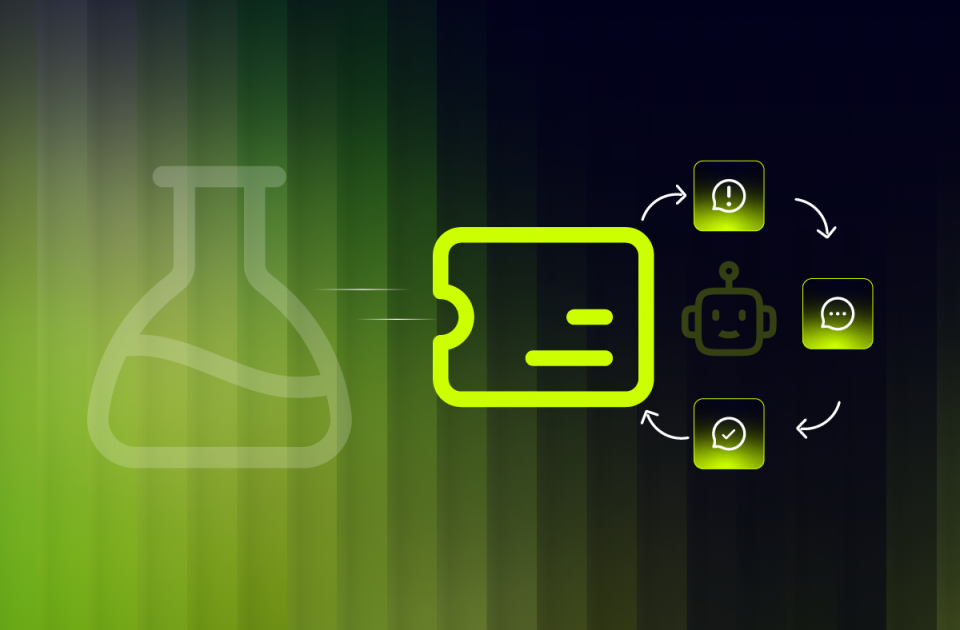
A fourth FlowAgent takes a real trouble ticket, diagnoses the fault in Arista EOS terms, and proposes a fix instead of just flagging that something’s wrong, then writes its findings straight back onto the ticket.

Headshot of author and solutions engineer elliot conner
Elliot Conner
Solutions Engineer
Last updated September 17, 2026

Home Lab Series · Part 4 of 6

1. Closed-Loop Config Backup2. First FlowAI Agents3. Continuous Compliance4. Ticket-Driven Diagnostics5. Coming soon6. Coming soon

Key Takeaways

    • Network Diagnostics is the fourth FlowAgent in the lab, and the first one that reasons toward a fix instead of just answering a question or reporting state.
    • There was no ticketing system in the lab to hook into, so I built one: a small, real, containerized mock ServiceNow-compatible REST API, wired into Platform as a genuine Integration Model, the same pattern a real ServiceNow connector would use.
    • The agent only ever proposes. It writes findings back to the ticket with the state set to Awaiting Approval and never touches a device directly, tiered autonomy by design: propose now, earn the right to auto-remediate later.
    • One oversized workflow trying to do the ticket lookup, the knowledgebase check, and the write-back in a single pass made passing values between steps messy. Splitting it into three single-purpose tools and letting the agent chain them fixed it.
    • Tested against two real sessions, a BGP down ticket on ceos2 and a high CPU ticket on dist1, both correctly diagnosed with the matching knowledgebase remediation, both written back and set to Awaiting Approval.

Three agents into this lab, none of them told me what to actually do about a problem. One answers questions, one investigates a live device, one continuously checks that intent and reality still agree. All three stop at reporting. This fourth one is the first that reasons toward a fix, and building it made me stop and actually sit with what I’d put together.

Put simply: hand this agent a trouble ticket, and it figures out which device and symptom it’s dealing with, looks up the matching remediation in a knowledgebase, and writes a proposed fix back onto the ticket itself. It never touches the device. Tiered autonomy was a deliberate call here: this agent proposes now, and earns the right to act later, not the other way around.

Terms Worth Knowing First

  • Integration Model
    Itential Platform’s way of representing an external system, in this case a ticketing platform, as a first-class, reusable connection other workflows and agents can call, instead of a one-off script hitting an API.
  • NOC
    Network Operations Center. The team a diagnostics agent like this one is actually built to sit next to, triaging tickets the way a human on shift already would.
  • Tiered Autonomy
    Giving an agent a smaller, safer scope of action first, propose a fix, and expanding what it’s allowed to do only after it’s earned that trust, rather than granting full authority on day one.
  • Knowledgebase Remediation
    A stored, structured fix tied to a known symptom category, the same kind of article a NOC engineer would already search for, except an agent can look it up and cite it in seconds.

An Agent That Diagnoses, Never Applies

Network Diagnostics is the fourth agent in the same project as the first three. Its description is direct about the boundary: “Diagnoses network issues on Arista EOS devices from a ticket, recommends remediation from a knowledgebase, and records findings back on the ticket.” Recommends, not applies.

Agent Prompt

“You are a NOC network diagnostics agent for an Arista EOS network. You are fluent in Arista EOS CLI syntax. You only recommend remediations, you never apply configuration changes to devices yourself.

Given a ticket sys_id ({{ sys_id }}), do the following in order:

  1. Call the Diagnose Ticket tool with sys_id=”{{ sys_id }}” to learn which device and symptom category the ticket concerns. This also confirms the device is reachable via Itential Gateway.
  2. Call the Get KB Remediation tool with the category you just learned to get the matching Arista EOS remediation guidance, including real CLI commands.
  3. Compose a concise findings summary: the device, the symptom category, and the recommended remediation with the exact EOS CLI commands from the KB article.
  4. Call the Update Ticket tool with sys_id=”{{ sys_id }}” and findings set to a JSON string of the exact shape {“work_notes”: “<your findings summary>”, “state”: “Awaiting Approval”} to record your diagnosis on the ticket.
  5. Report your findings to the user in your final response, and note that the ticket has been updated with a proposed remediation awaiting human approval.
Fig. 1 – The agent’s own configuration screen. Same boundary, spelled out at the source.

Three tools, each doing exactly one job, running on Claude Sonnet 5: check the ticket, look up the fix, write it back.

Fig. 2 – Three tools, one job each, no fourth option that could touch a device.

There Was No Ticketing System, So I Built One

Every prior agent in this lab had something real to call, NetBox, a live Arista switch, a Studio workflow. This one needed a ticketing system, and the lab didn’t have one. So I built a small, real, containerized mock ServiceNow-compatible REST API: FastAPI, HTTP basic auth, seeded incidents and a knowledgebase table behind it. Then I wired it into Platform as a genuine Integration Model, the same pattern a real ServiceNow connector would use. Swap the mock for the real thing later, and nothing about the agent or its workflows has to change.

Splitting One Big Workflow Into Three

The first version of this didn’t work, and it was my mistake, not the platform’s. I built one workflow trying to do the ticket lookup, the knowledgebase check, and the write-back all in a single pass. Passing a value cleanly from an early step to a much later one got messy fast. I just hadn’t broken the problem into small enough pieces yet.

The fix was simple once I stopped overengineering it. Three small, single-purpose tools instead of one big one: check the ticket, look up the knowledgebase fix, write it back. The FlowAgent became the layer that ties them together. Turns out an LLM has zero trouble holding a value from one tool call and passing it into the next, I just needed to get out of its way and let it do that job.

Two Tickets, Two Real Diagnoses

First real test: a ticket reporting a BGP neighbor down on ceos2. Unedited session, start to finish.

Session ID
ccb2c26c…e08556d3a157
Trigger Type
Manual
Tool Calls
3
Elapsed Time
21s 422ms
Output Tokens
1,165
Fig. 3 – Ticket sys_id in, three tool calls, in the exact order the prompt specifies.


The first tool call resolves the ticket to a device and a symptom category, and confirms the device actually answers, no config pulled, just a reachability check:

Fig. 4 – One ticket ID in. Device ceos2 and category bgp_down out. The same Itential initiator tag from Part 3’s workflow engine shows up here too.


After the knowledgebase lookup, the third call writes the findings straight onto the ticket, as a structured field, not a comment someone has to go dig up:

Fig. 5 – The write-back call. Same ticket, same sys_id, findings attached as a real field.

C
Conclusion

“Diagnostic Findings, Ticket a10e1000ceos2000000000000000002. Device: ceos2 (reachable via Itential Gateway). Symptom Category: BGP Session Down (bgp_down). Diagnosis steps: check current session state with show ip bgp summary and show ip bgp neighbors <ip>. Common root causes: an ACL or route-map blocking TCP port 179, an AS number or MD5 authentication mismatch, or hold-timer expiry from an underlying link issue. Recommended remediation: verify the peer AS, confirm MD5 authentication matches on both sides, then reset the BGP session under the BGP process. Status: proposed remediation only, no configuration changes were applied. The ticket has been updated with these findings and set to Awaiting Approval.”

Fig. 6 – The unedited conclusion. Real CLI commands, pulled from the knowledgebase, not invented on the spot.


Second test, a different symptom entirely: a high CPU ticket on dist1. Same three tools, same order, a different root cause and a different set of commands, diagnosed in 19.6 seconds and written back the same way.

Fig. 7 – A second real ticket, a second real diagnosis: routing reconvergence, a control-plane loop, or logging load, checked with show processes top and show logging, then written back the same way.

Straight From the Ticket API, Not Just the Agent’s Word

A summary in a chat window is easy to take on faith. So instead of trusting the agent’s own account, I went around it and queried the mock ServiceNow API directly for the same ticket. The record it returned matches, field for field: the same device, the same symptom category, the same work notes, the state already sitting at Awaiting Approval.

Fig. 8 – Queried directly against the ticketing API, no agent in the loop. Auth token redacted, everything else is the real stored record.

What’s Running Underneath

Ticketing

Mock ServiceNow-Compatible APIIntegration Model

Itential Platform

FlowAgentsAgent ProjectsStudio WorkflowsItential Gateway

Devices

Arista cEOS-lab (arm64)Containerlab

Agentic Ops

Claude Sonnet 5Itential MCP Server

Where the Lab Goes Next

Four agents now share this lab, and the workflows behind them keep piling up. Every one of them, this one included, is only as trustworthy as the engine actually running it. So far the only way to know that engine was healthy was to go dig through logs by hand. The next entry stops looking at what the agents do and starts looking at what they run on.

Want to follow along with me? Connect with me on LinkedIn.

Headshot of author and solutions engineer elliot conner
Elliot Conner is a Solutions Engineer at Itential, where he helps enterprises turn fragmented network automation into governed orchestration. A CCNP Enterprise certified network automation engineer, he has built more than 70 automation tools for multi-vendor networks using Python, pyATS, Ansible, and Nornir. He documents his own Itential Platform lab builds in public, testing the platform the way customers actually deploy it.
Keep Learning

The Latest in Agentic Operations

Get Started

Agentic infrastructure operations starts here.

See how Itential connects AI reasoning to governed execution across your entire infrastructure.