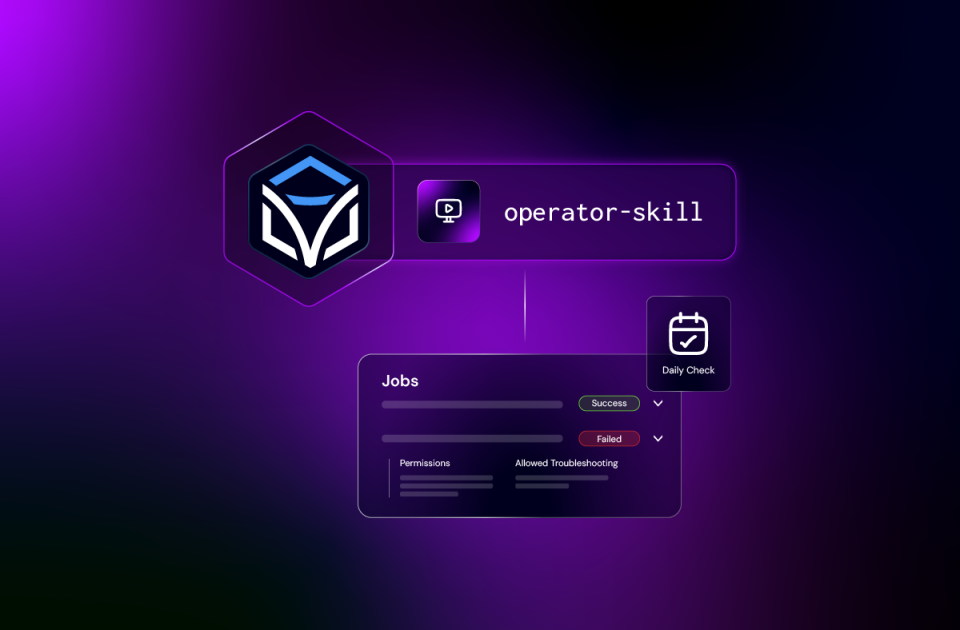
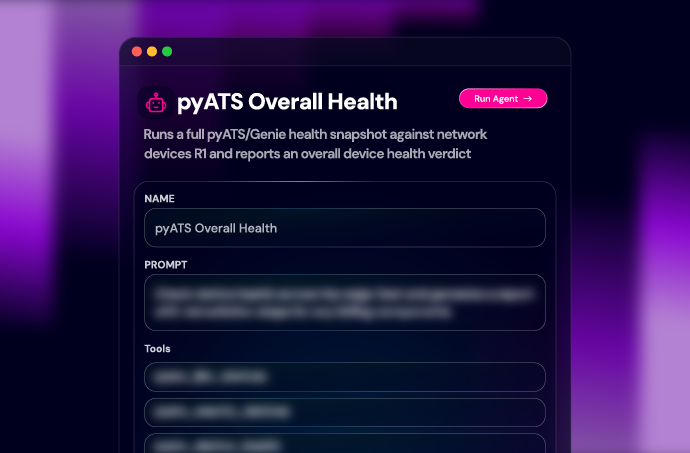
Bring everyday Itential operations into your AI coding harness. Operator Skills enables headless platform operations through Claude Code, Codex, GitHub Copilot, and Cursor.
Run existing automation, investigate failed jobs, and manage approvals and schedules through plain-language requests, with Itential’s permissions and execution controls behind the actions.
An open-source skill pack that brings Itential operations knowledge into your AI coding harness.
Run automations, monitor jobs, investigate failures, retry tasks, handle approvals, and manage triggers.
Install the pack, connect your Itential environment, and describe the task in plain language.
Operator Skills guides your coding harness through finding automations, checking inputs, inspecting job results, and carrying out the operational actions you request.
Operator Skills gives your coding agent the procedures for finding automations, checking required inputs, inspecting job results, and handling the next action. You describe the work; the skill supplies the Itential-specific guidance.
Connect your Itential environment, then ask about the operation that needs your attention. You can describe the task naturally or invoke the operator skill directly.
“Show me the jobs that failed today and why.”
Inspect failed jobs and identify the task and error behind each. Use the findings to decide whether to correct an input, retry a task, or escalate.
“Find the device backup automation and show me the inputs it needs.”
Find the automation, inspect its workflow inputs, and supply the required values. Ask for the run, then check the resulting job and outputs.
“Schedule this backup automation to run every 12 hours.”
Configure when an automation runs and check its trigger settings.
“What’s waiting for my approval?”
Review waiting manual tasks and submit the outcome you specify.
Pick the harness your team uses. After install, add your Itential Platform URL and credentials to a .env file in your working folder, then ask about a job or automation to start the operator skill. Install, invoke, and update steps for each tool are in the install guide.
Install the pack as a plugin from its Itential GitHub marketplace. The installation also supports the Claude Code VS Code extension.
/plugin marketplace add itential/operator-skills
/plugin install itential-operator-skills@itential-operator-skills
Install the pack through Codex CLI. The repository also documents use with its VS Code extension.
codex plugin marketplace add itential/operator-skills
codex plugin add itential-operator-skills@itential-operator-skills Install the pack through the Copilot CLI plugin marketplace and use it in the terminal.
itential/operator-skills Use Chat: Install Plugin From Source in the Command Palette and enter the repository name.
copilot plugin marketplace add itential/operator-skills
copilot plugin install itential-operator-skills@itential-operator-skills Install the pack’s skills for Cursor using the GitHub CLI, or clone the repository and open it in Cursor.
gh skill install itential/operator-skills --agent cursor --all
Operator Skills works against the Itential environment you connect. Add your team’s procedures so the skill can apply the guidance relevant to your operations.
Share organization and team guidance through your organization’s repository copy, while keeping personal environment settings separate. Custom guidance stays separate from Itential’s foundational skills as you bring in updates.
Run existing automations, check job results, and handle work waiting on a manual task—all from your AI coding harness.
Inspect the task, error, and variables behind a failed job. Use that information to guide recovery or escalation.
Operate delivered workflows and manage their triggers. Move to Builder Skills when the workflow itself needs to change.
Give teams shared procedures for retries, manual tasks, scheduling, and escalation across supported coding harnesses.
Builder, Operator, and Admin Skills cover different responsibilities. Use the pack you need, or install them alongside one another in your AI coding harness.
Install Operator Skills, connect your Itential environment, and start with a plain-language request. Check what failed, run an operation, or find the tasks waiting for your decision.
An open-source skill pack that gives AI coding agents Itential-specific guidance for running automations, monitoring jobs, investigating failures, handling manual tasks, and managing triggers.
It means operating Itential from your AI coding harness, with skills guiding requests through the platform’s APIs. This complements Itential’s application interfaces, giving your team another way to run automation, investigate jobs, and manage operational tasks using its existing platform access and permissions.
Use Builder Skills to design, build, change, test, or document workflows. Operator Skills focuses on operating existing automation and managing jobs, manual tasks, and triggers.
It can inspect the job’s error information, task results, and variables to identify the failed task and reported error. The underlying issue may require corrected inputs, investigation of another system, or escalation.
A failed-task retry operates within the existing job, preserving variables and completed work. Whether retrying is appropriate depends on the error and the behavior of the failed operation.
The skill documents finding, claiming, reviewing, and completing manual tasks. The outcome you submit determines how the workflow continues. Completing a task is an operational action that requires appropriate access.
Yes. The skill supports scheduled triggers with a first run and repeat interval, along with manual and endpoint triggers. It also supports enabling or disabling triggers.
Claude Code, Codex CLI, GitHub Copilot CLI, GitHub Copilot in VS Code, and Cursor. The repository documents installation and invocation for each tool.
You need a supported coding tool, an Itential environment, configured credentials, and permissions for the jobs and actions you request. Check the repository for current requirements.
Yes. Add organization, team, and personal guidance in the designated customization folders. The customization guide explains how to maintain an organization copy alongside upstream updates.
Use the repository’s GitHub issue channel for questions and bugs. Review its contribution, license, and security reporting information before contributing or reporting a security issue.